 Yab
YabMake a site yours.
Publish YoursRequestsSmall changes to the sites you use. Try one on your own page in Yab and keep what works.
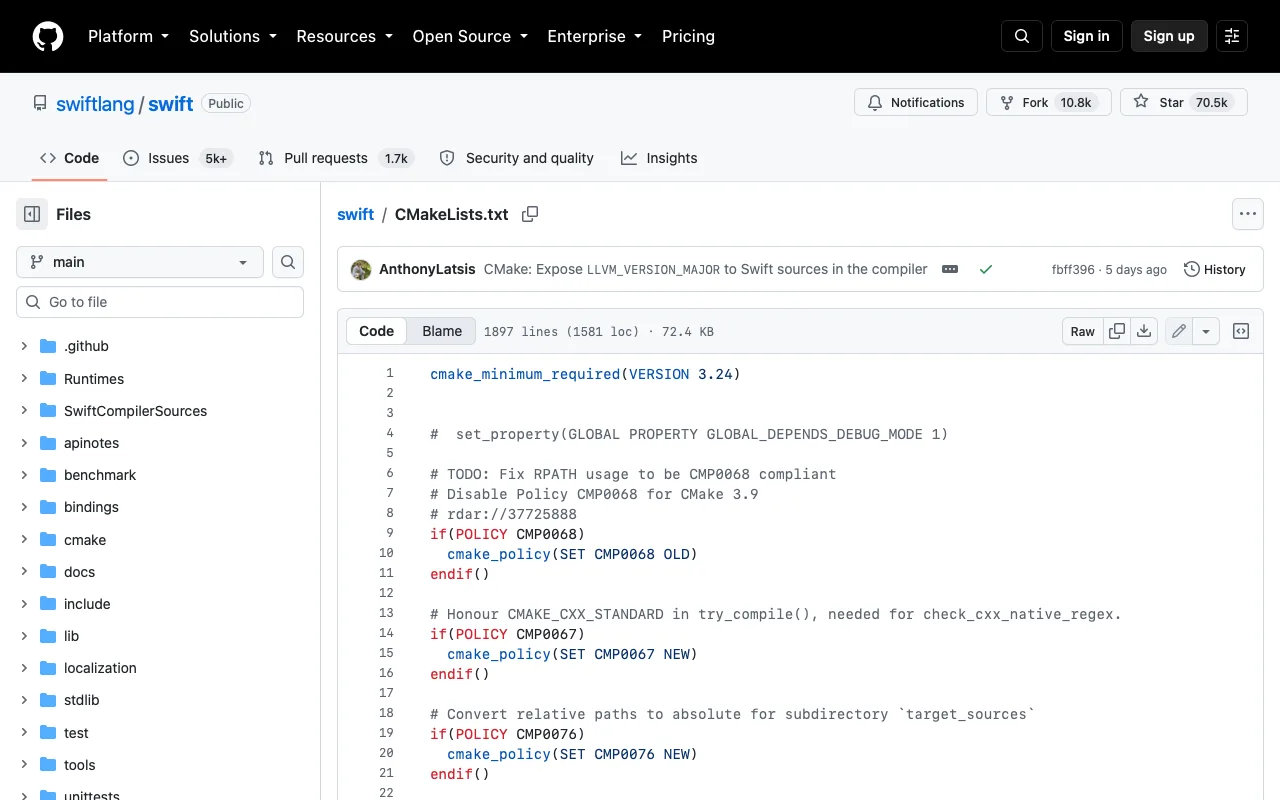
Larger code
Make source code and diffs on GitHub easier to read.
 GitHubWorks today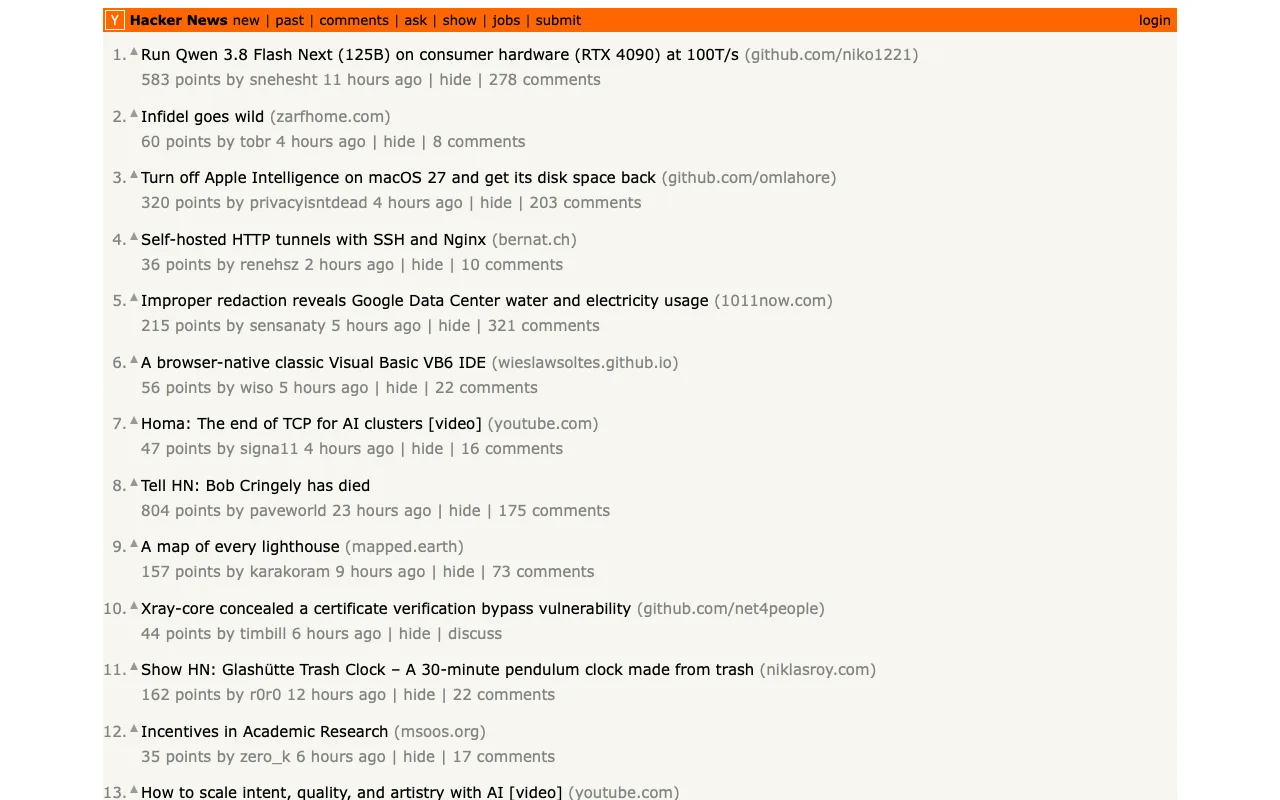
Readable Hacker News
Make Hacker News text larger with more breathing room.
 Hacker NewsWorks today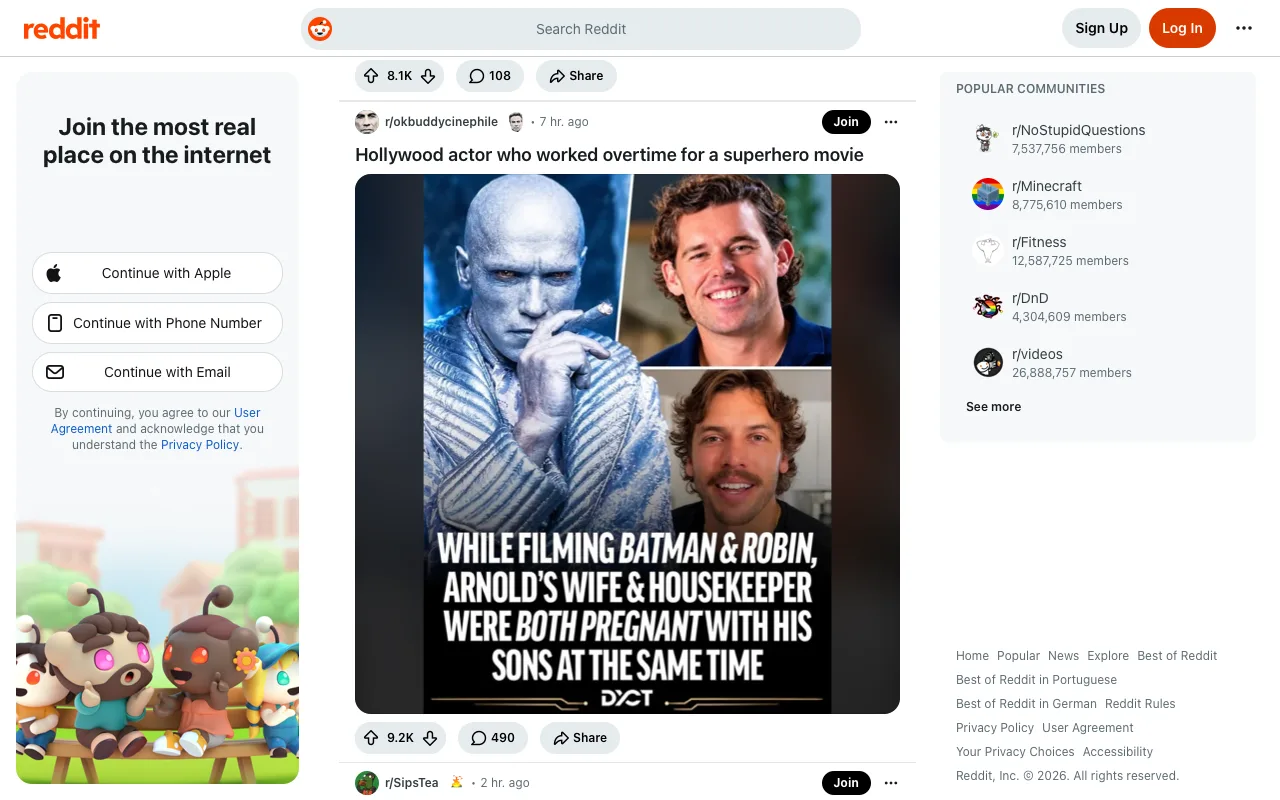
Hide promoted Reddit cards
Hide cards marked as promoted on Reddit.
 RedditWorks today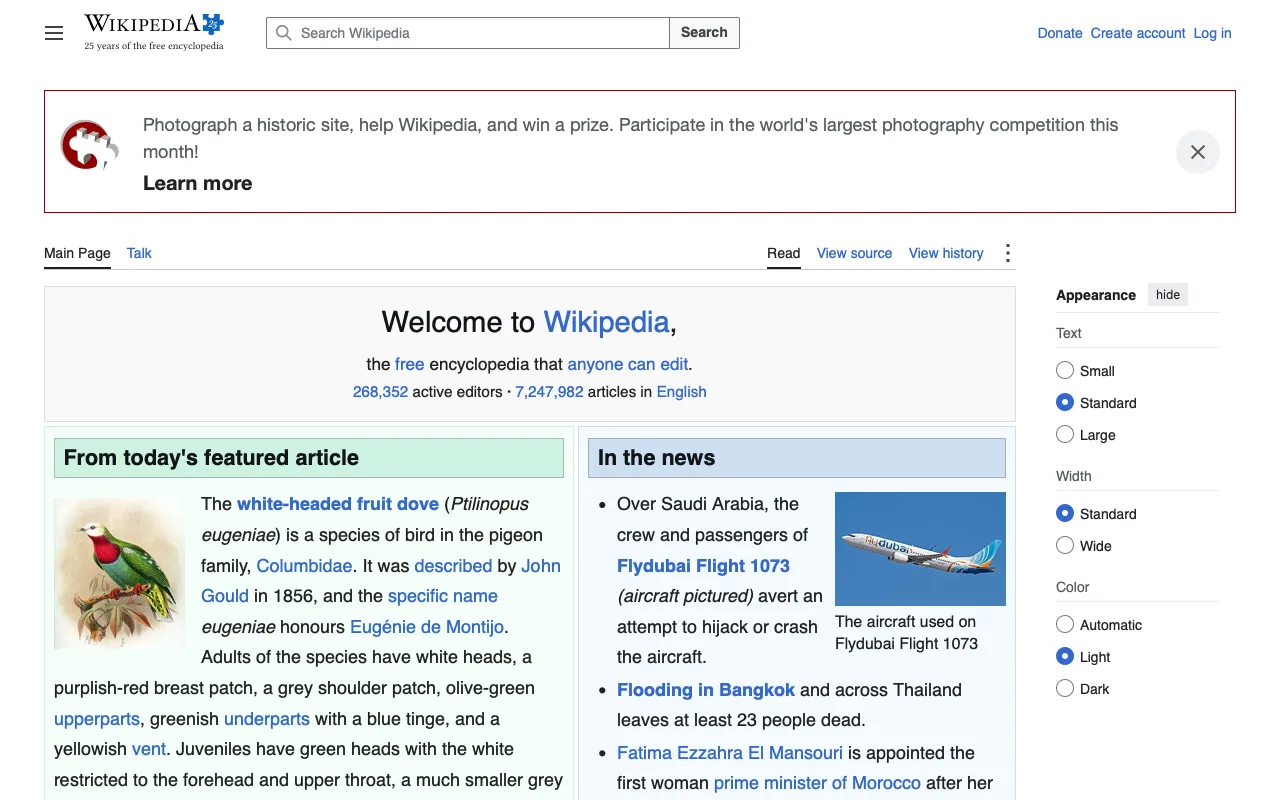
Readable Wikipedia
Make Wikipedia's article text larger and easier to read.
 WikipediaWorks today
Hide Shorts
Hide YouTube Shorts shelves and Shorts links.
 YouTubeWorks today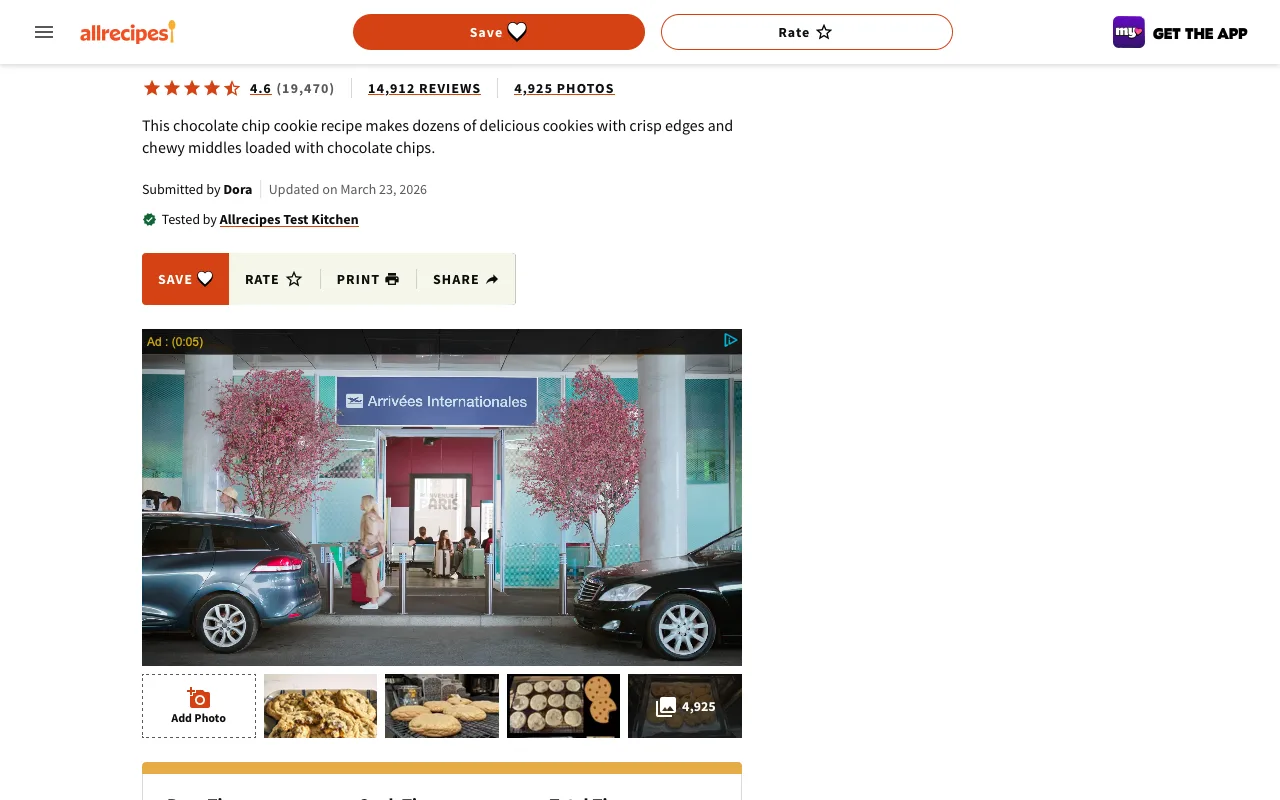
Just the recipe
On Allrecipes, keep the recipe and hide the ads, the video that follows me down the page and the notification prompt.
 AllrecipesWorks today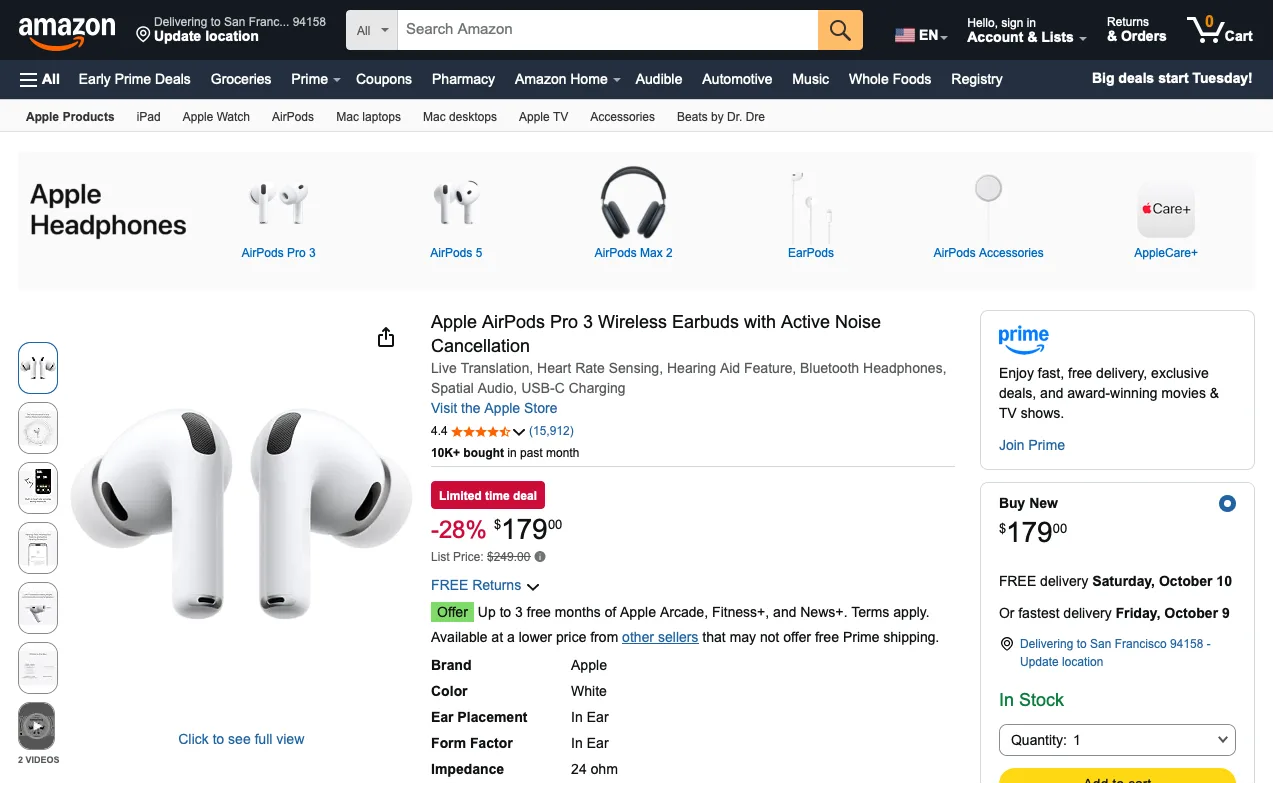
Amazon without Rufus
On Amazon, hide Rufus, the shopping assistant (now called Alexa for shopping): the button next to the search bar, its chat panel, the Price history links that open it, and its suggested questions. Search, the cart, prices, Add to Cart and Buy Now stay, and the page keeps its full width.
 AmazonNot checked: nothing to hide on the preview page today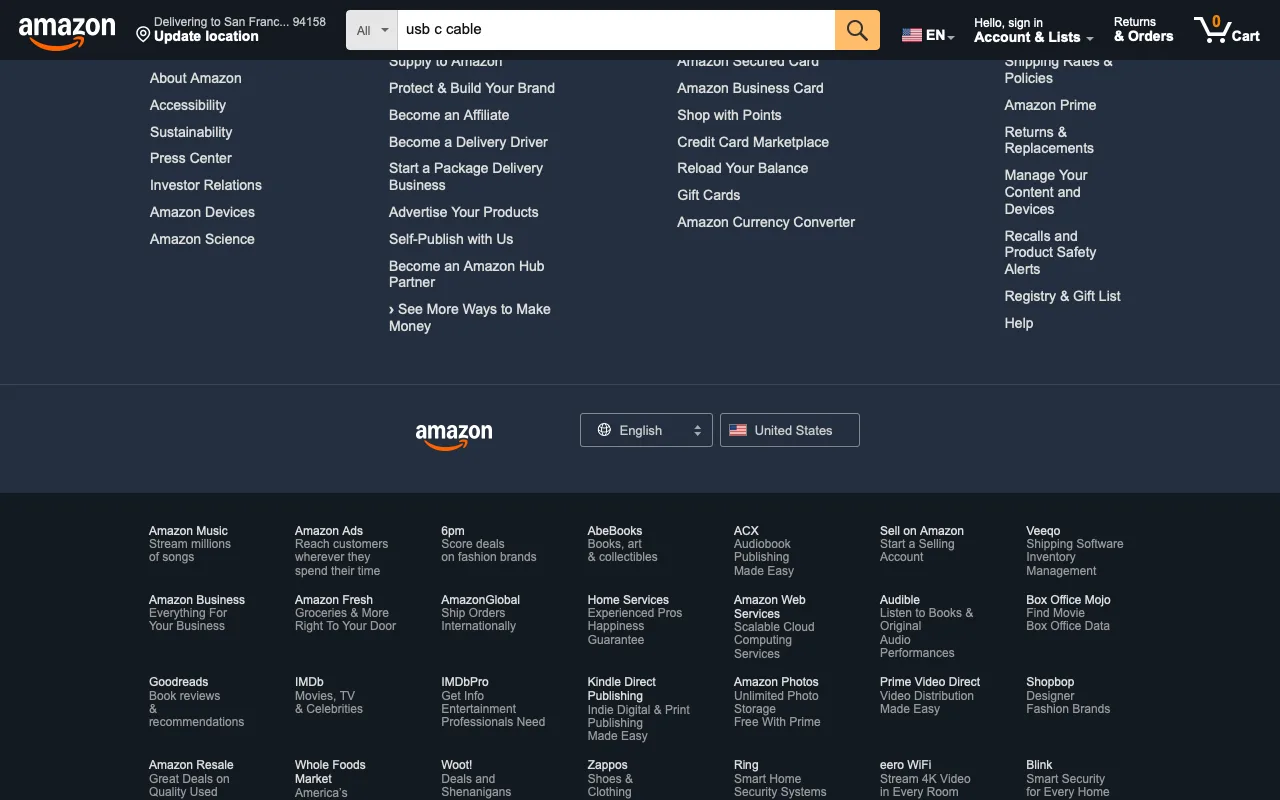
Hide sponsored results
Hide sponsored products and sponsored shelves in Amazon search results, keep the real results.
AmazonWorks today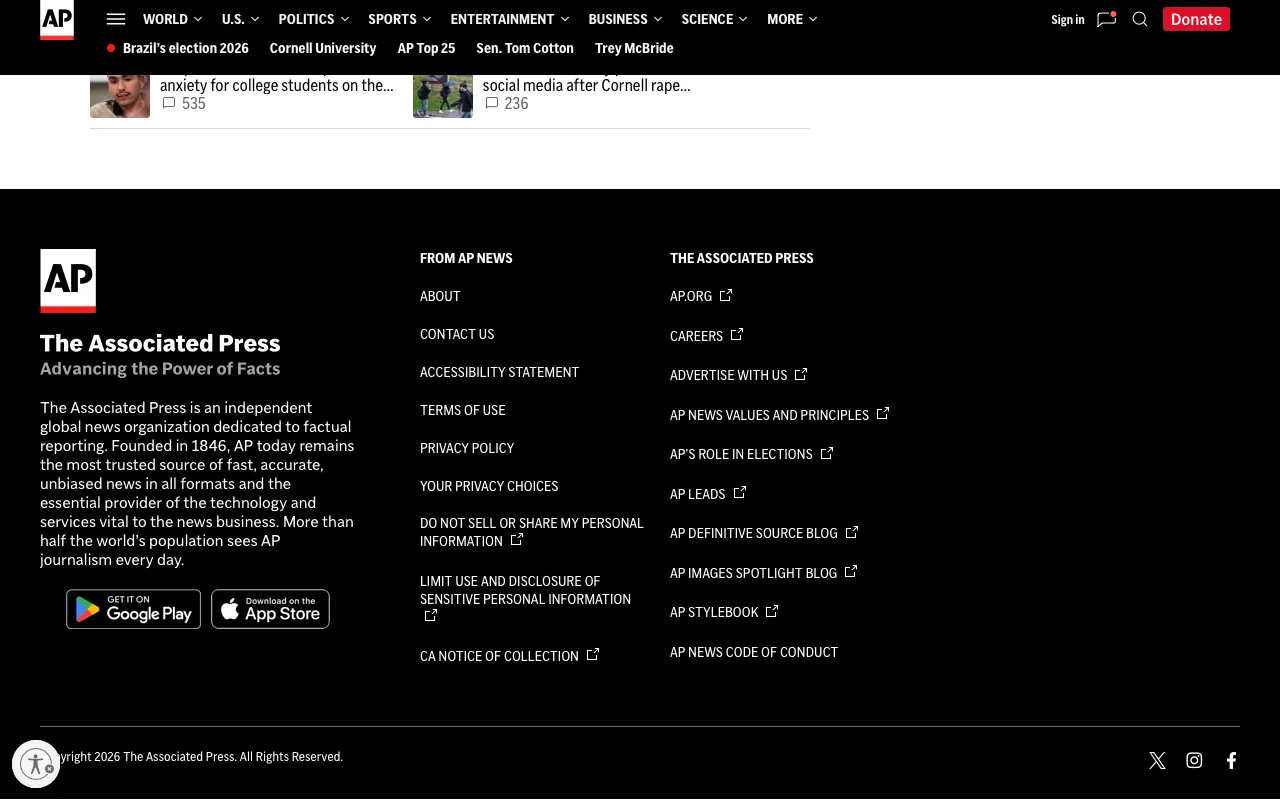
Quiet AP articles
On AP News articles, keep the story and its photos and hide the ads, the video that floats in the corner, paid content blocks and newsletter sign-up boxes.
 AP NewsWorks today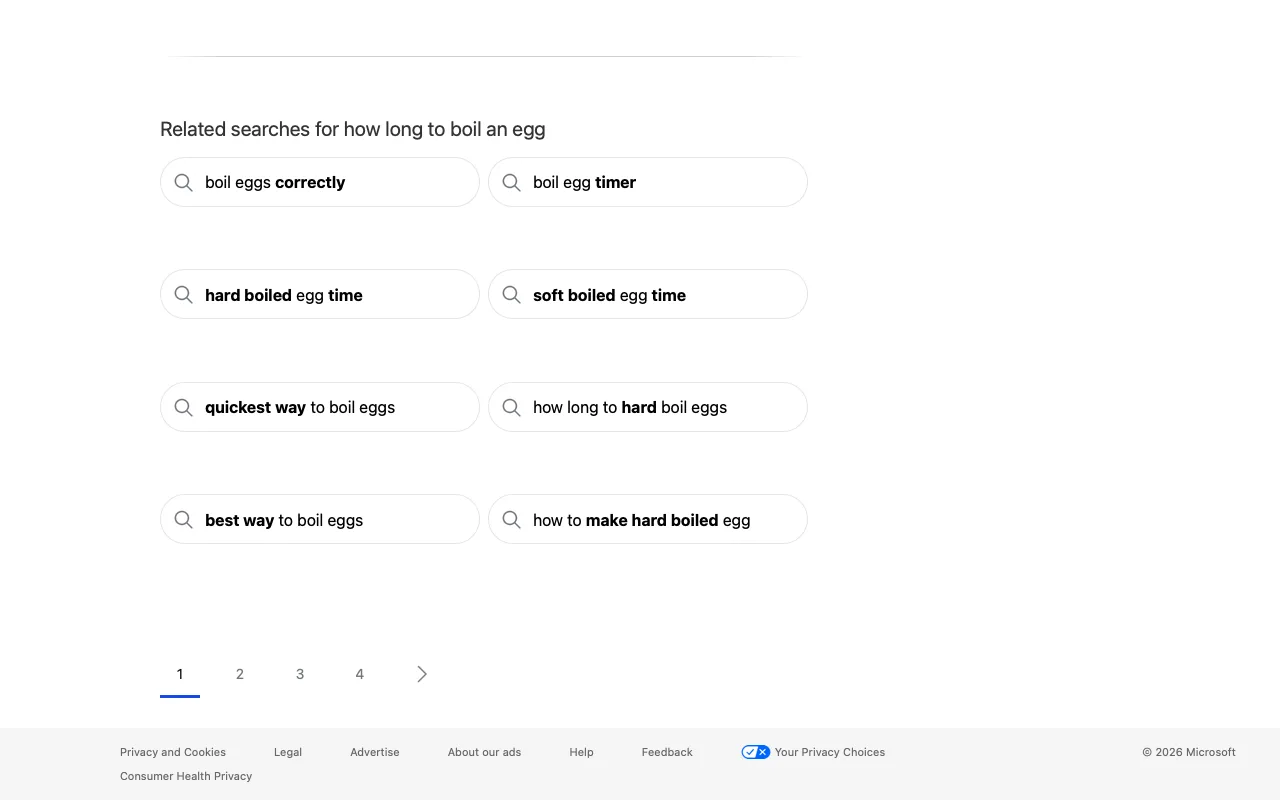
Bing without Copilot
On Bing, hide Copilot: the AI answer above the results, the AI Mode tab, and the Copilot question box and suggestions under the results, so the page starts with the web links.
 BingWorks today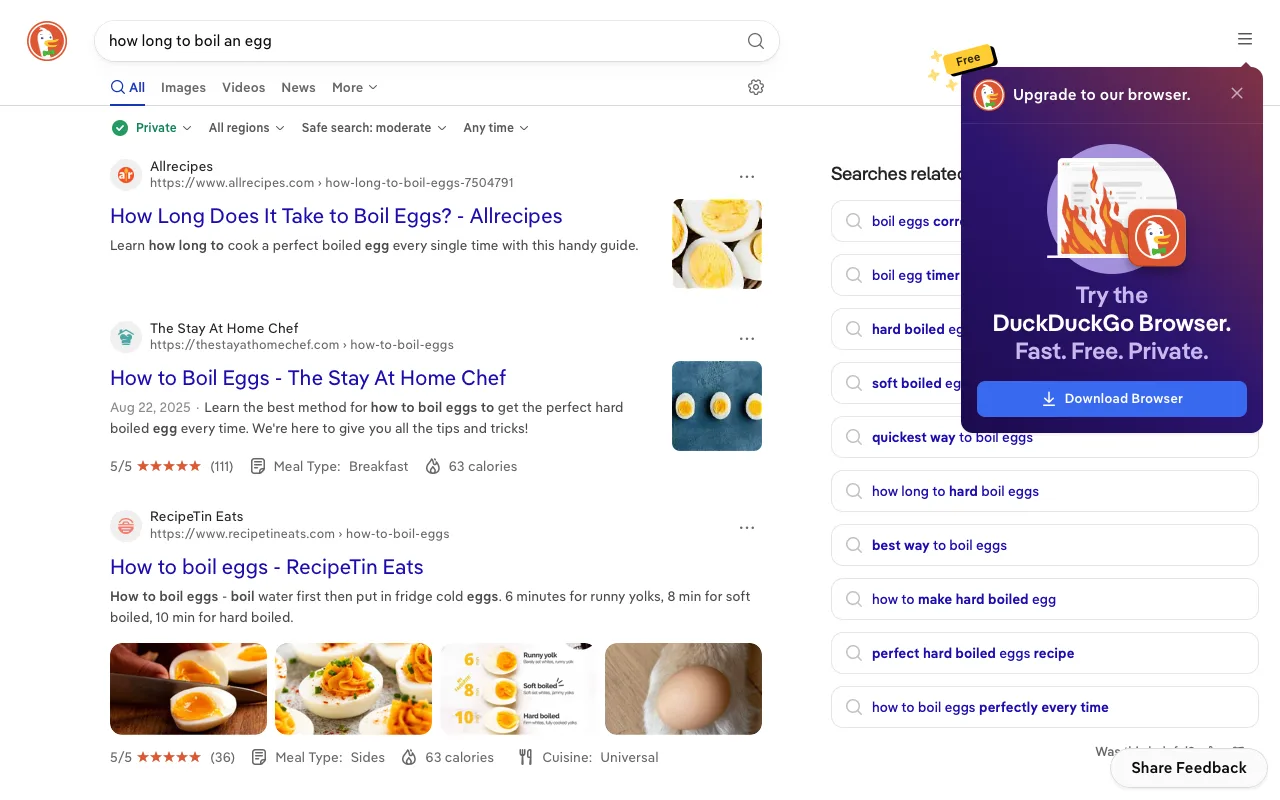
DuckDuckGo without AI
On DuckDuckGo, hide the AI: no Search Assist answers above the results, no Duck.ai tab or chat button in the search box. The search box, the tabs for Images, Videos and News, the results and related searches stay.
 DuckDuckGoWorks today
Quiet GitHub home
Hide the activity feed on GitHub's dashboard.
GitHubNot checked: needs sign-in: nothing to hide on the signed-out page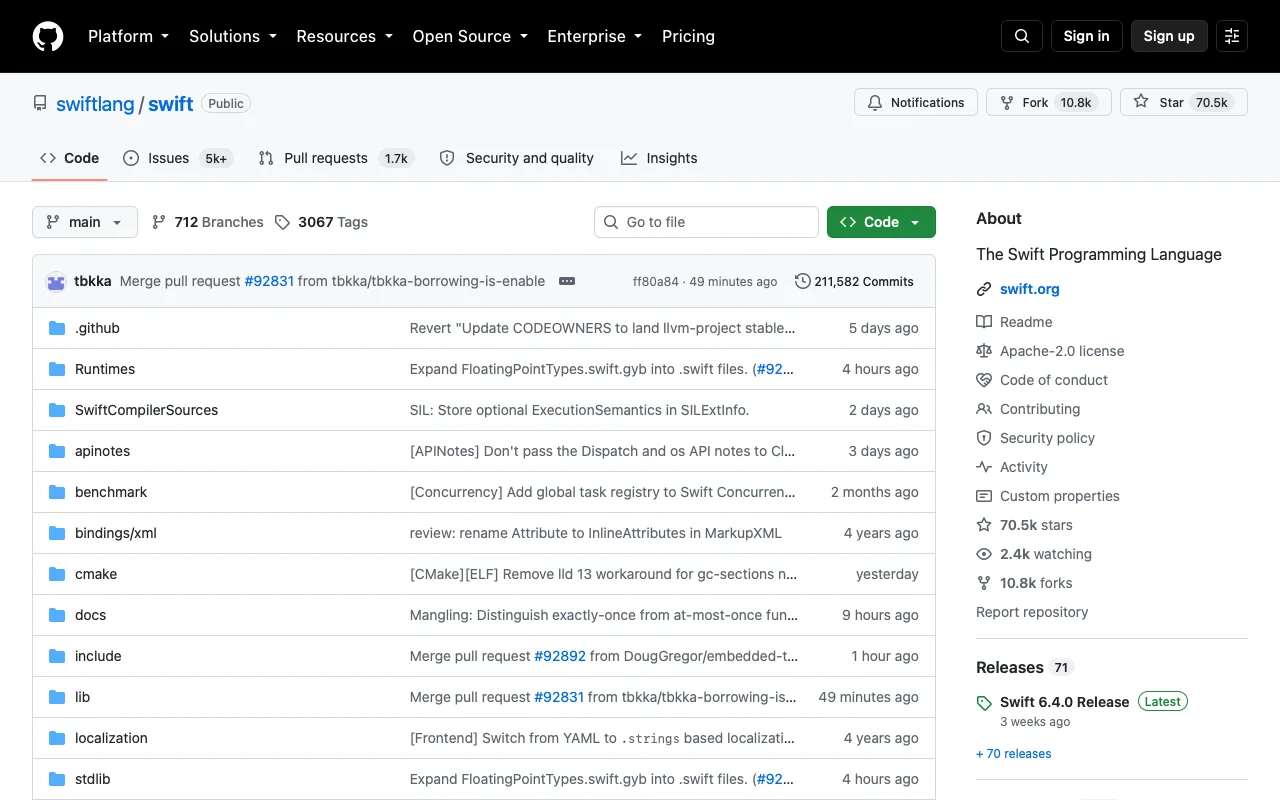
Wider repositories
Let GitHub repository content use the full available width.
GitHubWorks today
Gmail without Gemini
In Gmail, hide Gemini: the Ask Gemini button at the top, the Gemini side panel, the AI Inbox entry in the menu, the summary cards and Summarize buttons on messages, and Help me write in the composer. Also hide upsell strips for more storage or Gemini trials. Search, the inbox, labels, compose and replies all stay.
 GmailNot checked: needs sign-in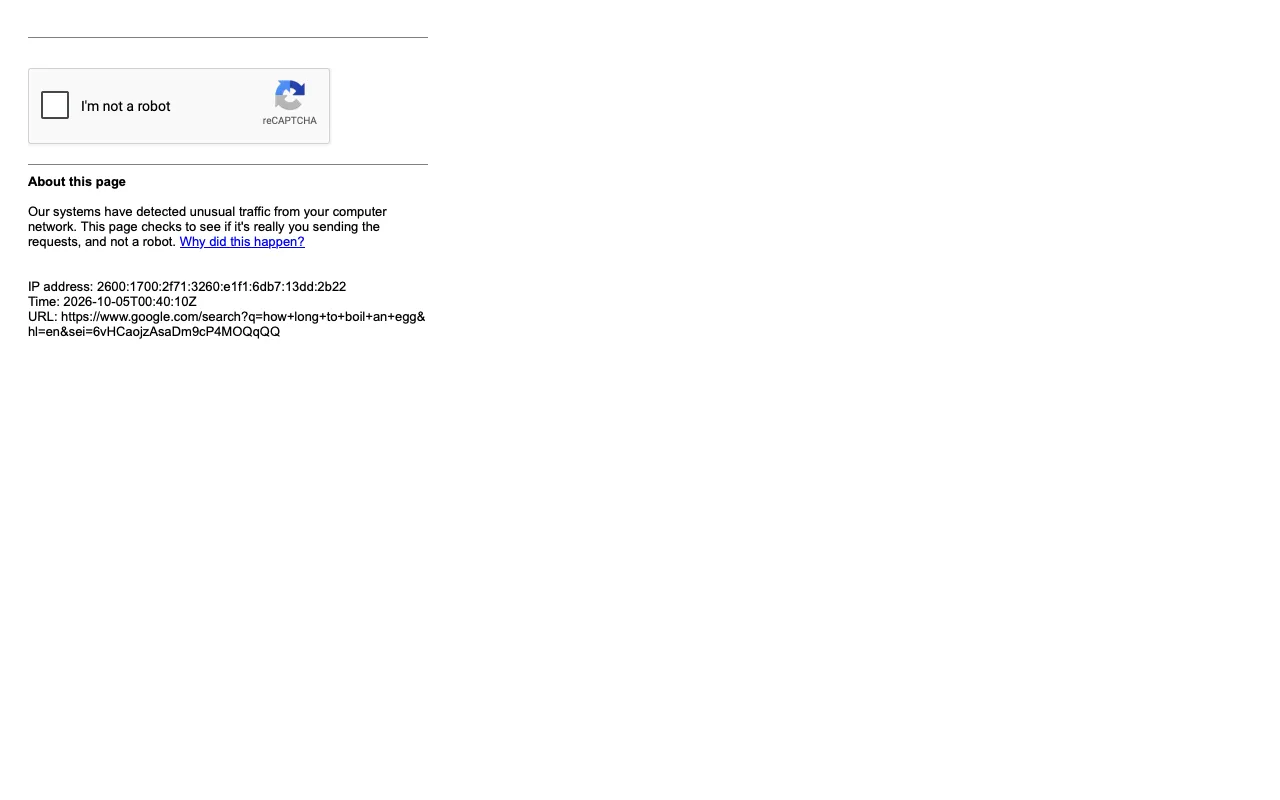
Search without AI Overview
On Google Search, hide the AI Overview and the AI Mode prompts so the results start with the web links.
 GoogleNot checked: blocked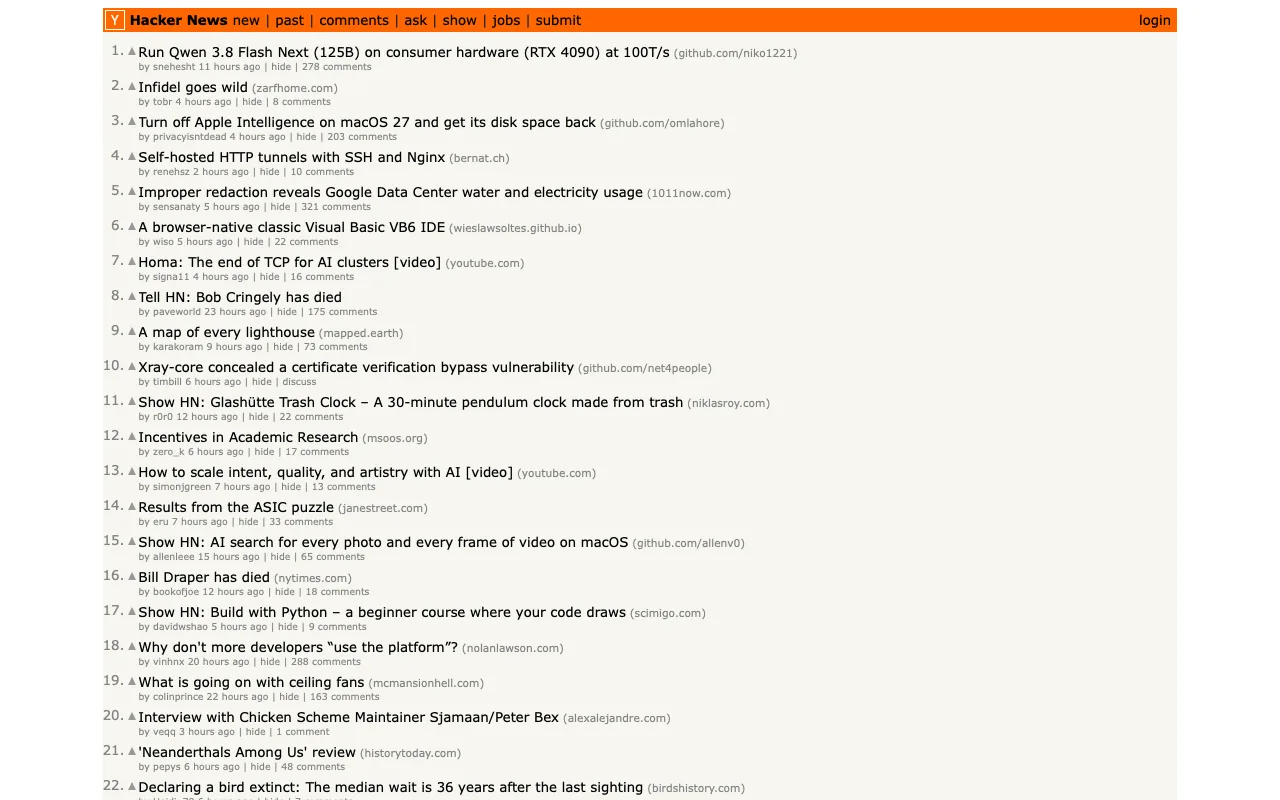
Hide HN scores
Hide Hacker News scores while keeping stories and comments.
Hacker NewsWorks today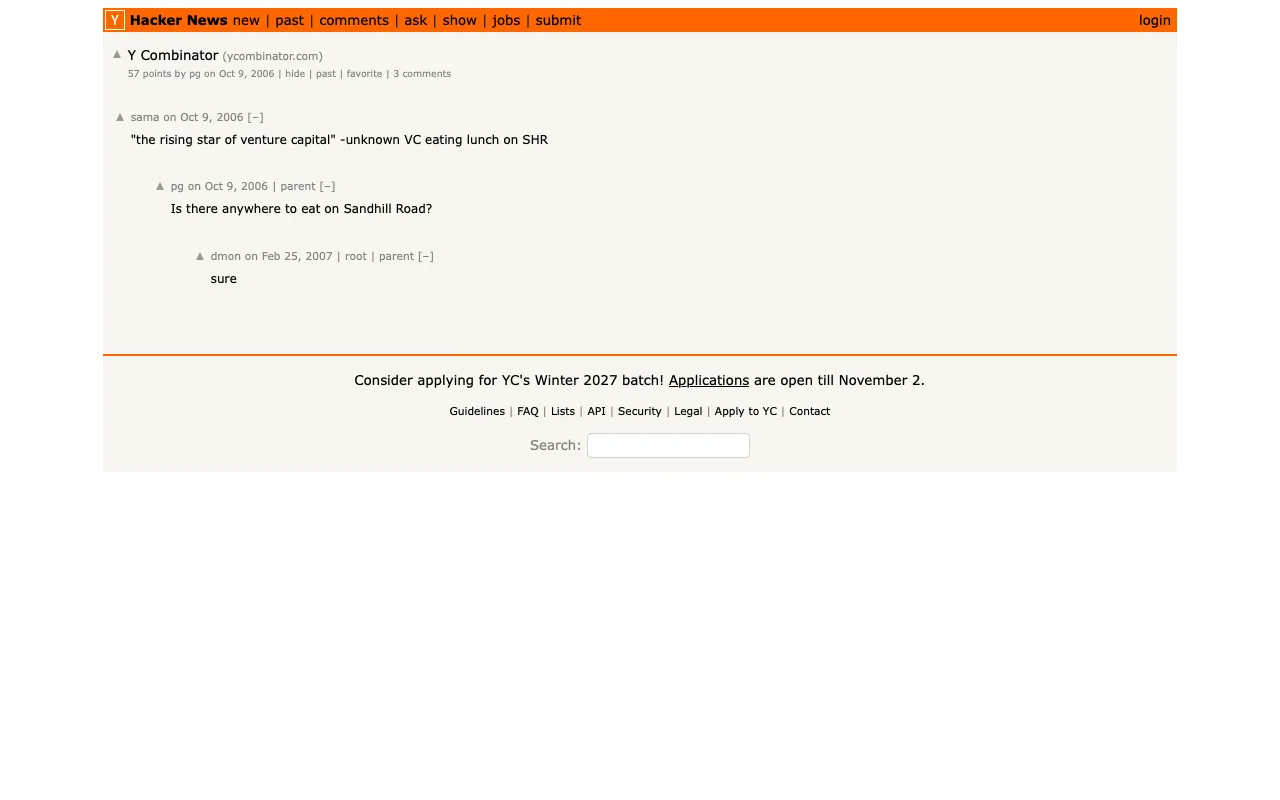
Roomier HN comments
Give Hacker News discussions a readable width and spacing.
Hacker NewsWorks today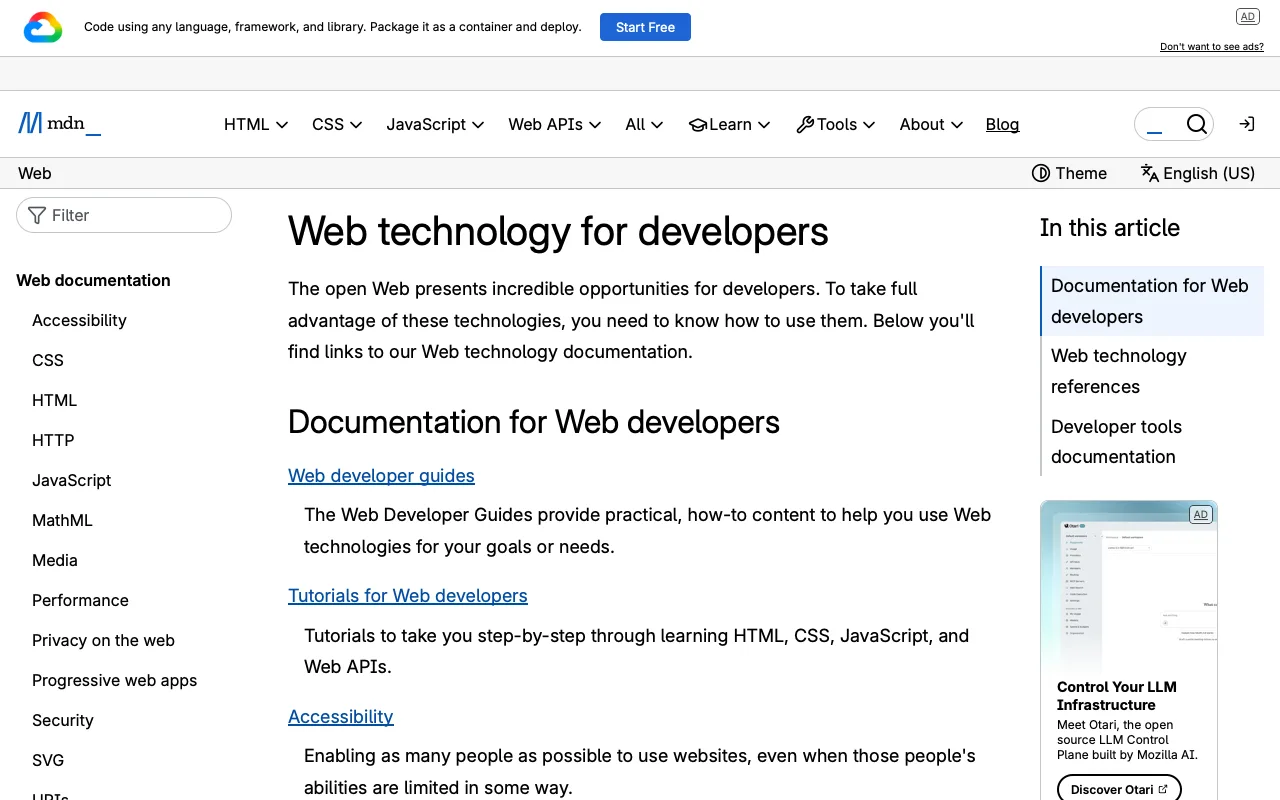
Readable MDN
Make MDN article text larger and code easier to read.
 MDNWorks today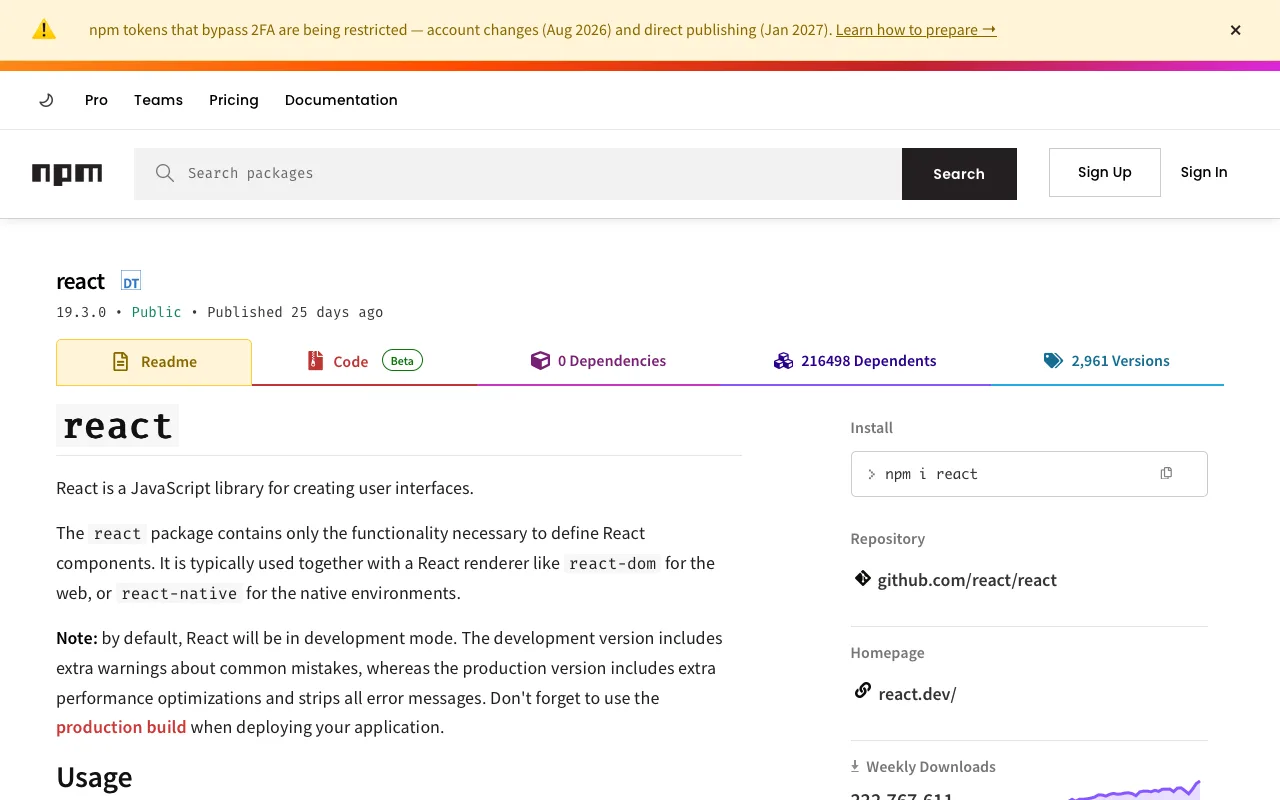
Readable package docs
Make npm package READMEs easier to read.
 npmWorks today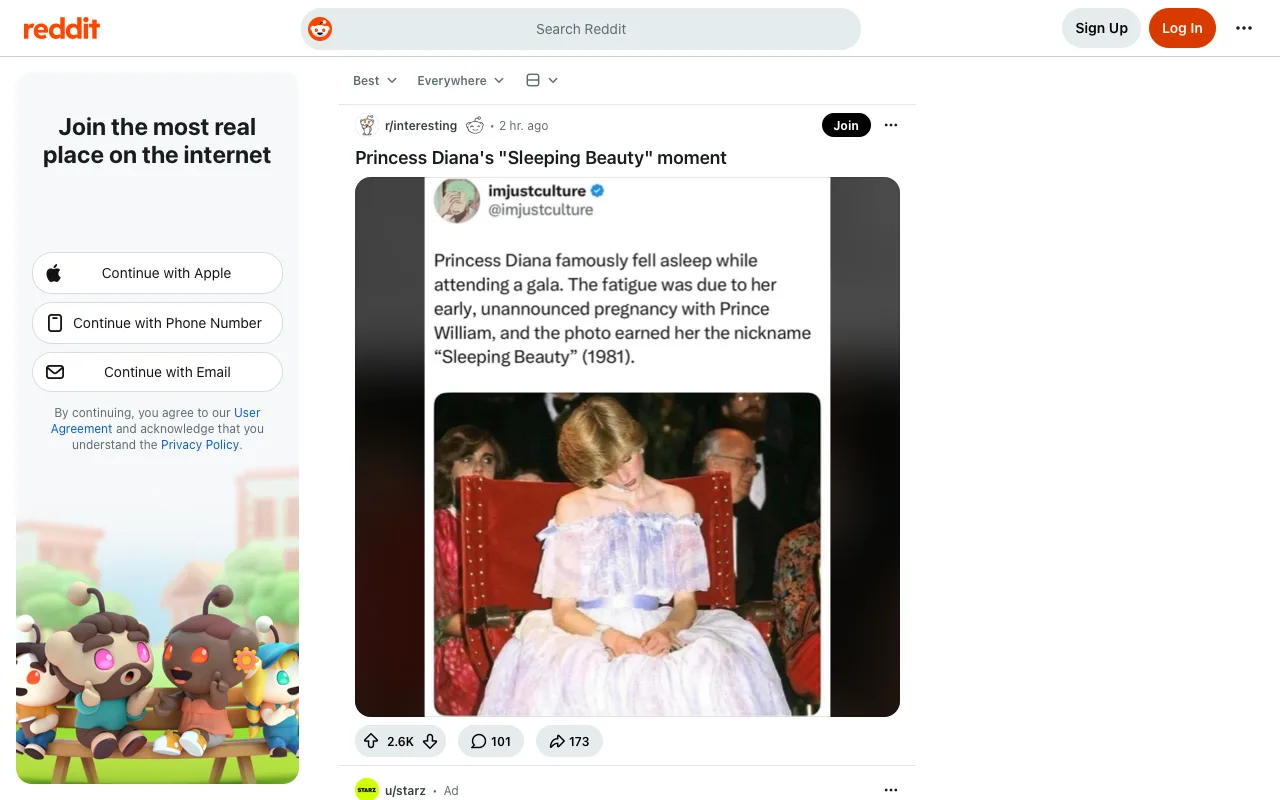
Quiet Reddit sidebar
Hide Reddit's right sidebar while keeping the feed.
RedditWorks today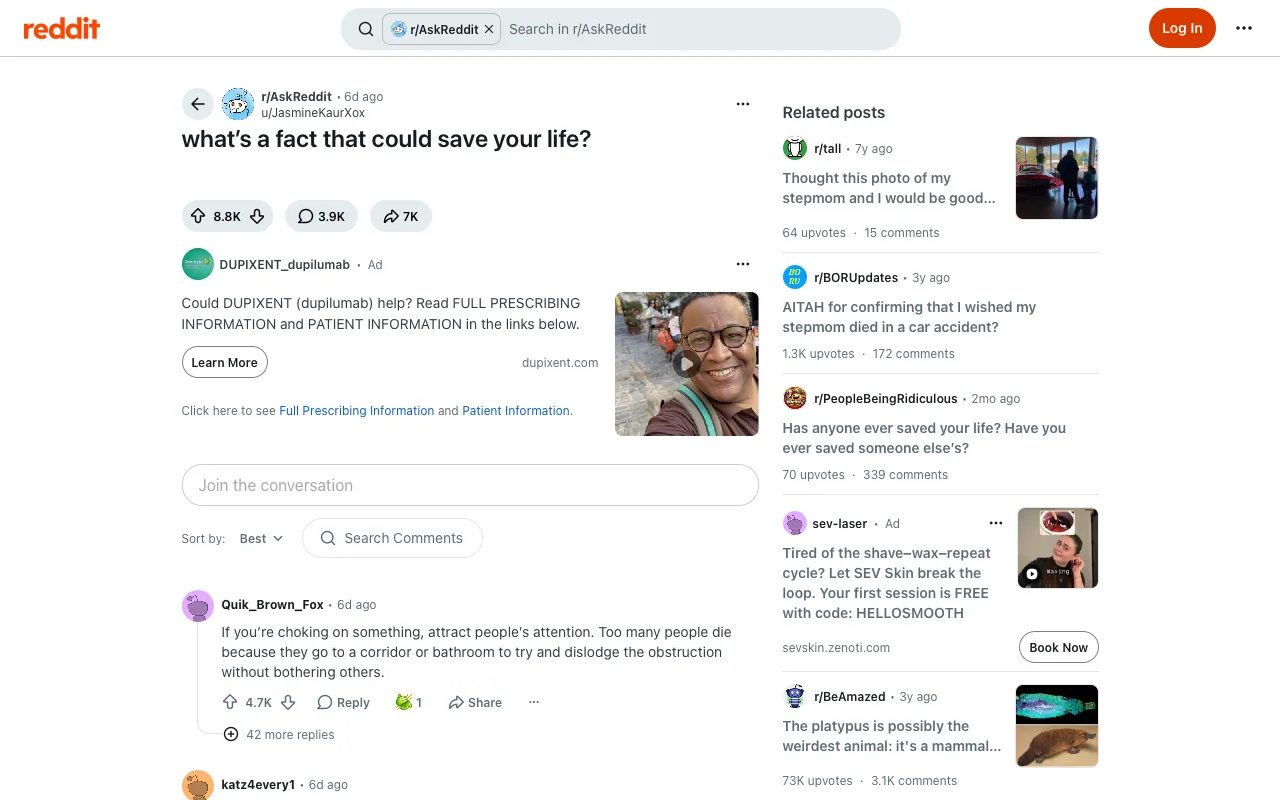
No Reddit app nags
On Reddit when I'm signed out, hide the join and open-in-app banners and the Google sign-in prompt, and give the space back to the post.
RedditWorks today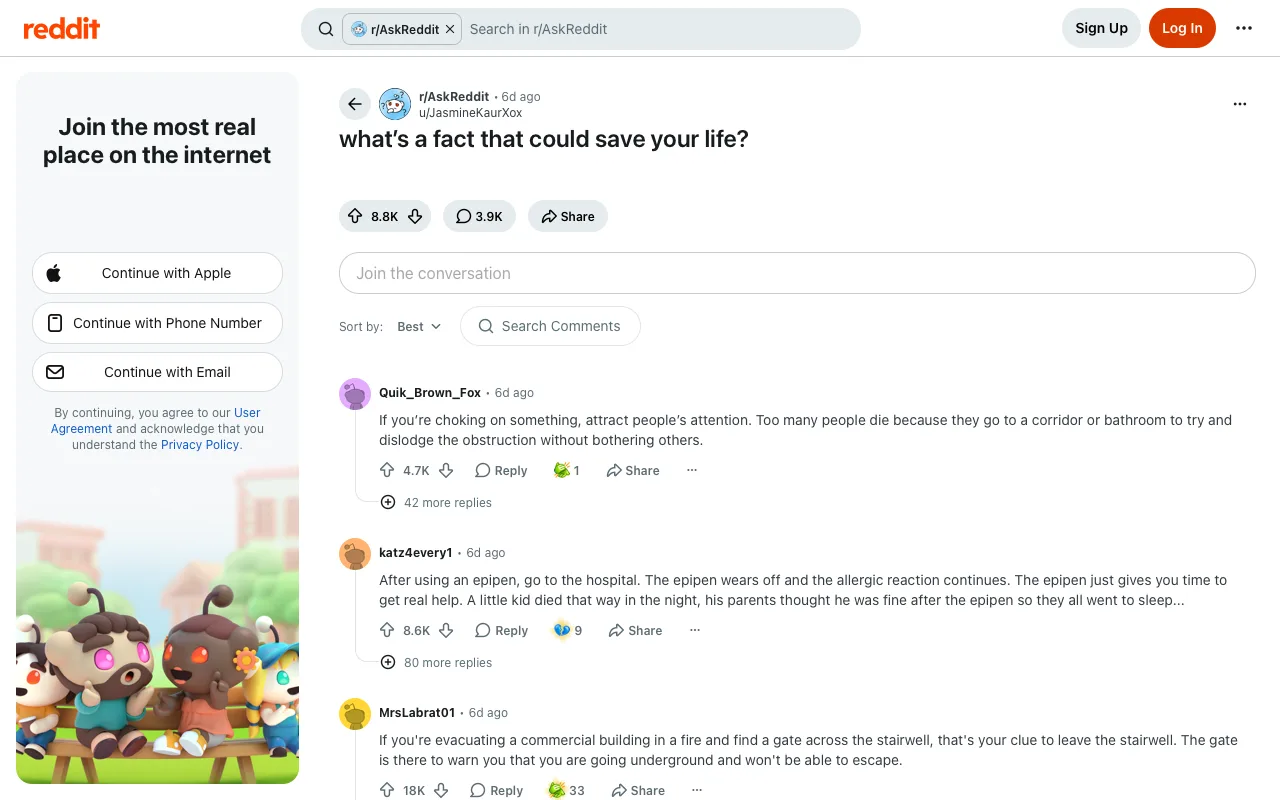
Wide Reddit threads
On a Reddit post, give the post and its comments the full width: hide the right rail with related posts and ads, and the ads between comments.
RedditWorks today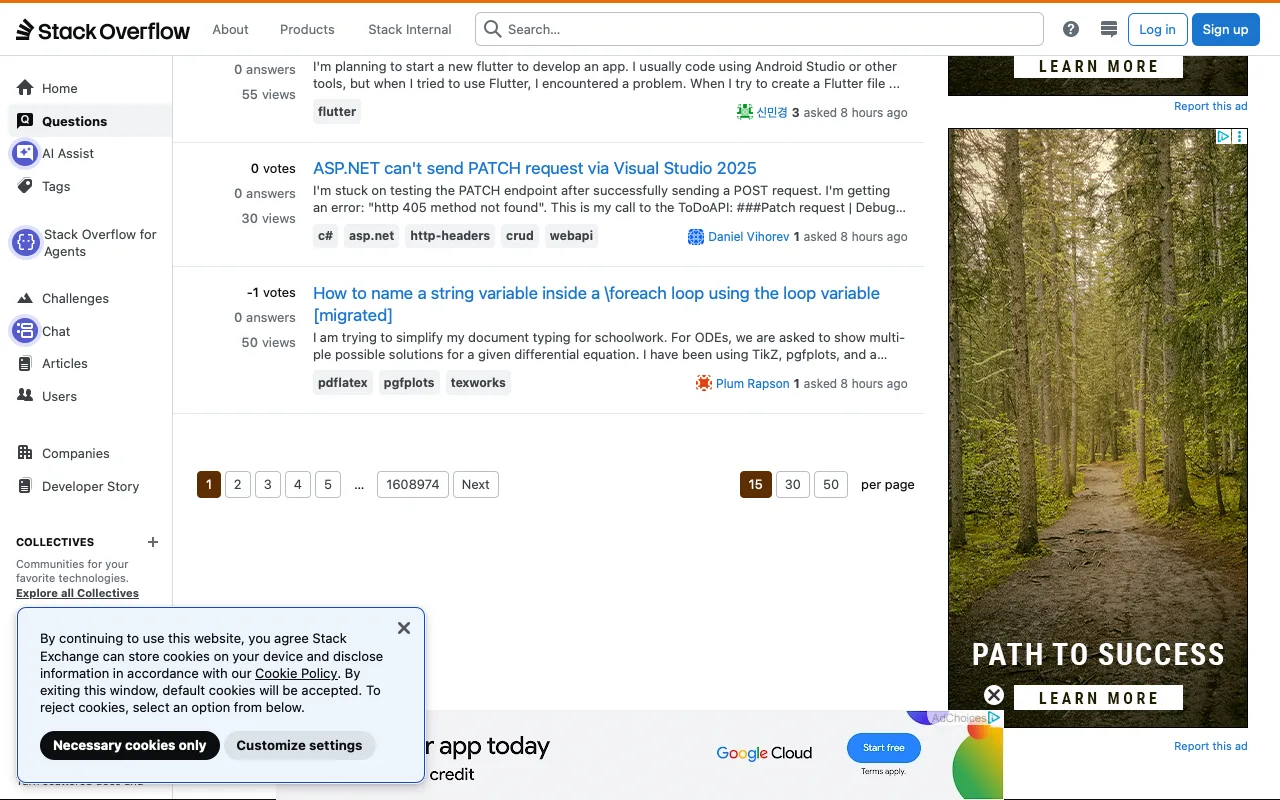
Hide hot network questions
Hide Hot Network Questions on Stack Overflow.
 Stack OverflowWorks today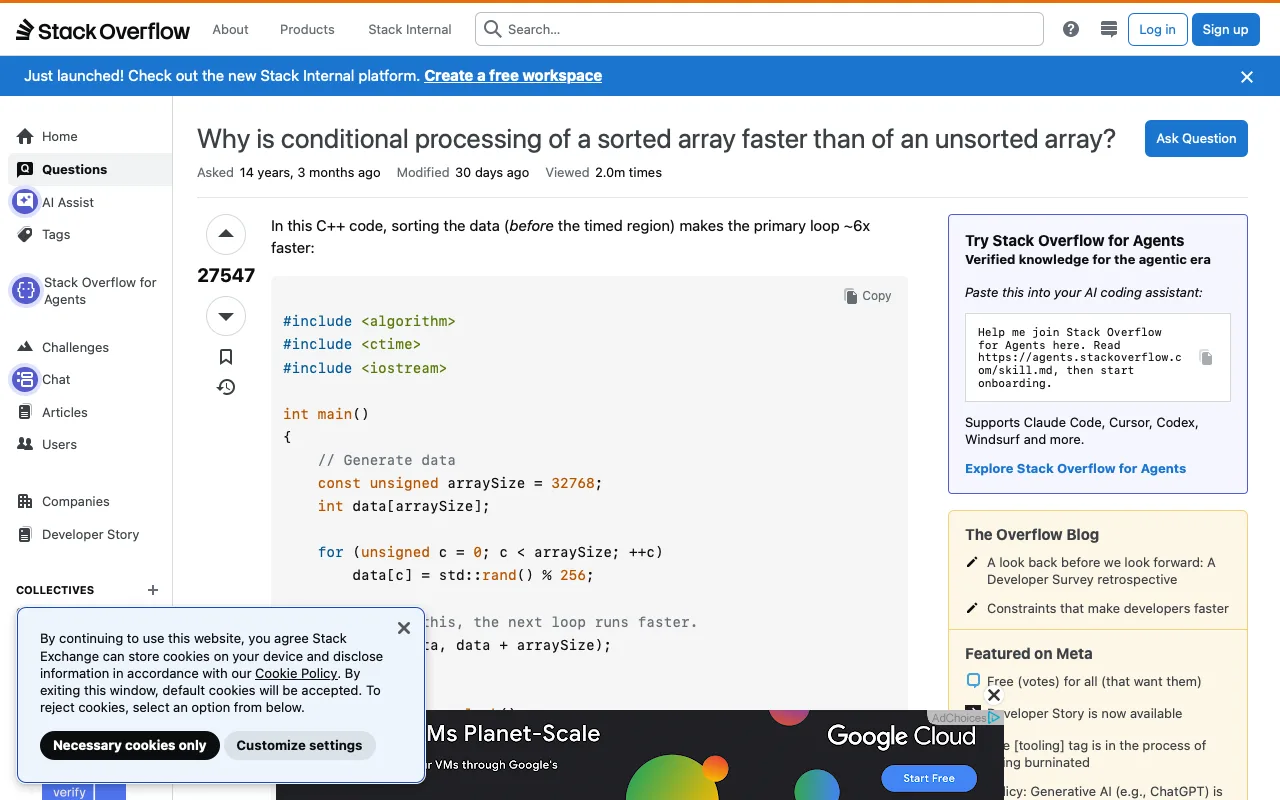
Larger code examples
Make Stack Overflow code examples larger.
Stack OverflowWorks today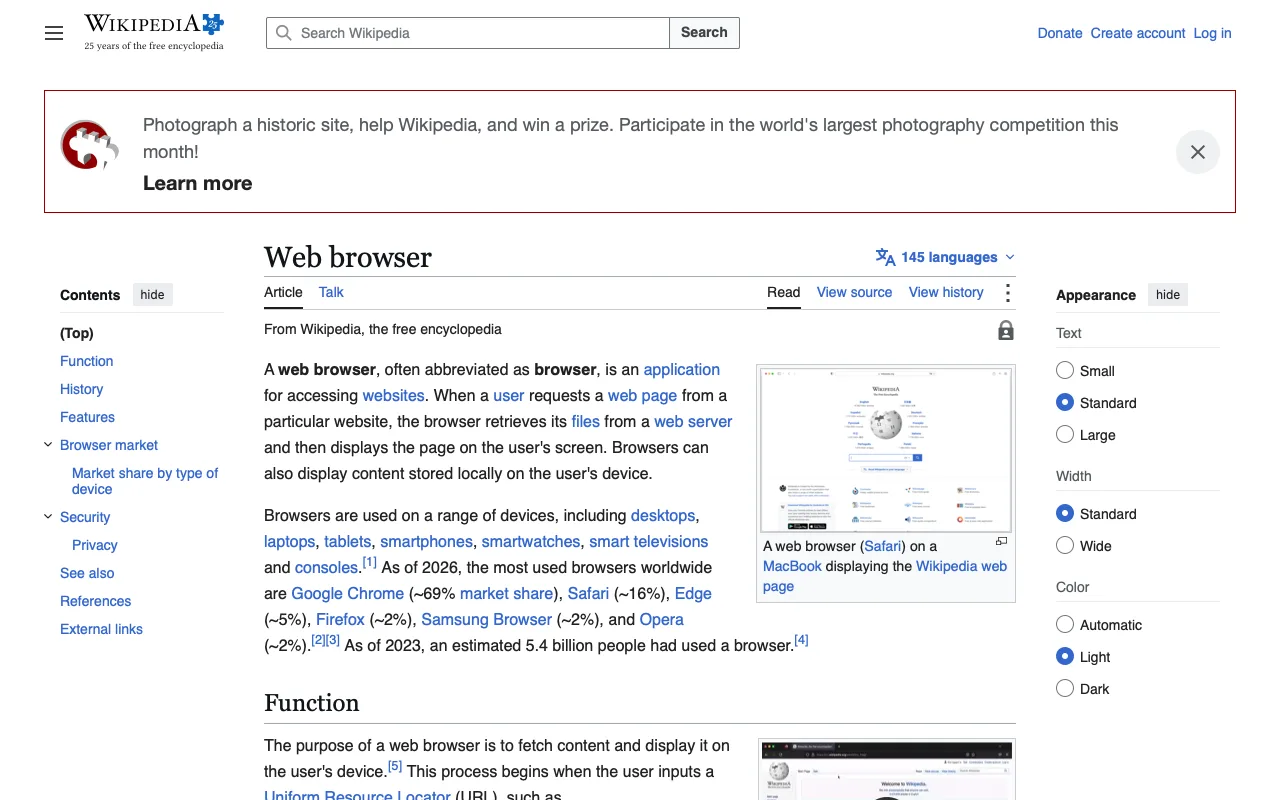
Wide Wikipedia articles
Let Wikipedia articles use more of the window.
WikipediaWorks today
Following only
On X, I only want the Following timeline: hide the For you tab so Following (and any lists I pinned) are the only tabs on Home. This only hides the tab. X may still open Home on For you now and then, and then I tap Following once; opening on Following by itself needs a script, which a plugin can add later.
 XNot checked: needs sign-in
Hide engagement counts
Hide numerical engagement counts on X tweets, keeping the action buttons.
XNot checked: needs sign-in
Hide follow suggestions
Hide Who to follow suggestions on X.
XNot checked: needs sign-in
X without Grok and upsells
On X, take Grok out of the way: no Grok in the side menu, no Grok drawer in the corner, no Grok button on posts (the one that explains a post) or in the composer. Also hide Premium, Business (Verified Orgs), Communities and Jobs from the menus, and the boxes asking me to subscribe to Premium. Everything else stays: Home, Explore, Notifications, Chat, Profile, posting, and every post.
XNot checked: needs sign-in
Show media without blur
On X, show photos and videos in posts as they are, without the blur X puts over media it marks as possibly sensitive, so I don't have to click Show on each one. Only the blur goes; the posts, their text and the rest of the page stay as they are.
XNot checked: needs sign-in
Hide trends
Hide the What's happening and trending blocks on X.
XNot checked: needs sign-in
Denser video grid
On YouTube, show more, smaller videos in each row of the home page and channel video grids instead of three big ones.
YouTubeWorks today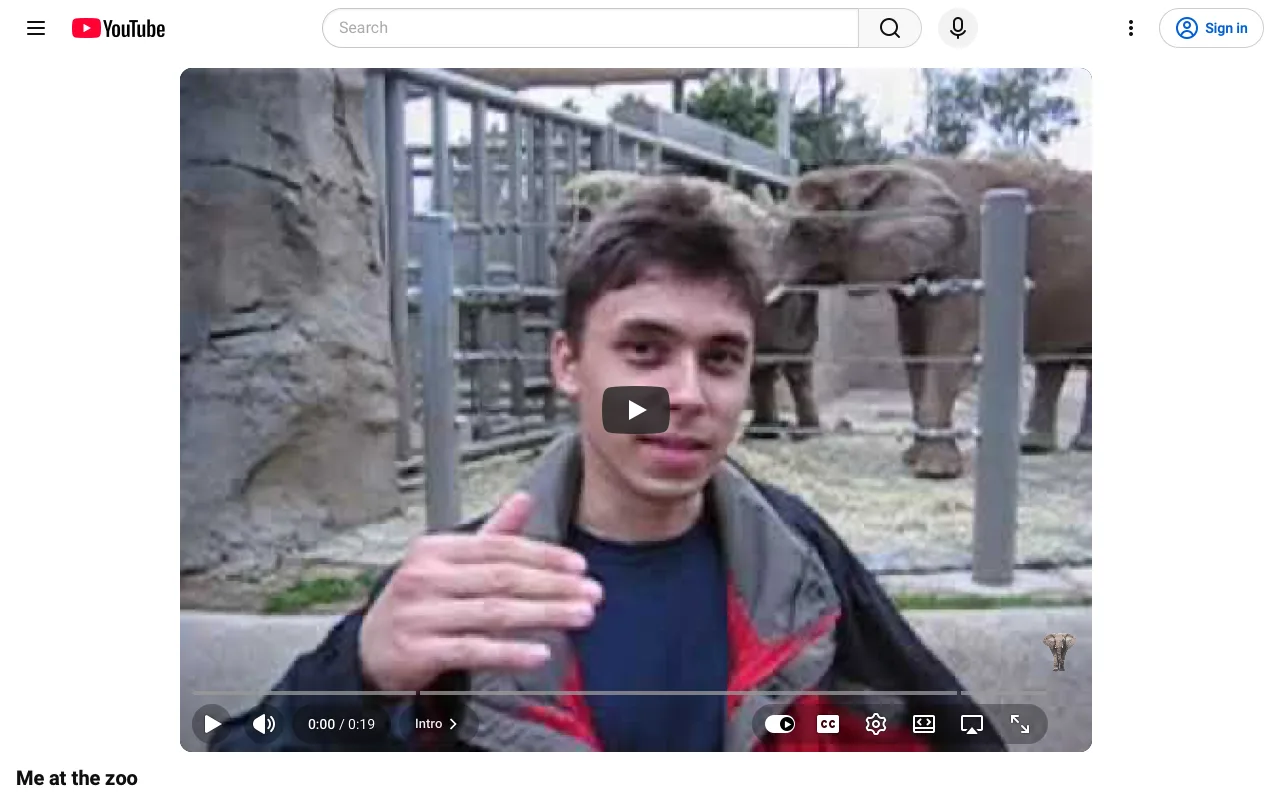
Wide YouTube player
On YouTube, always show the video player wide, across the whole page, instead of in a narrow column next to the suggestions. The title, description and comments sit under the player and the next videos follow below them.
YouTubeWorks today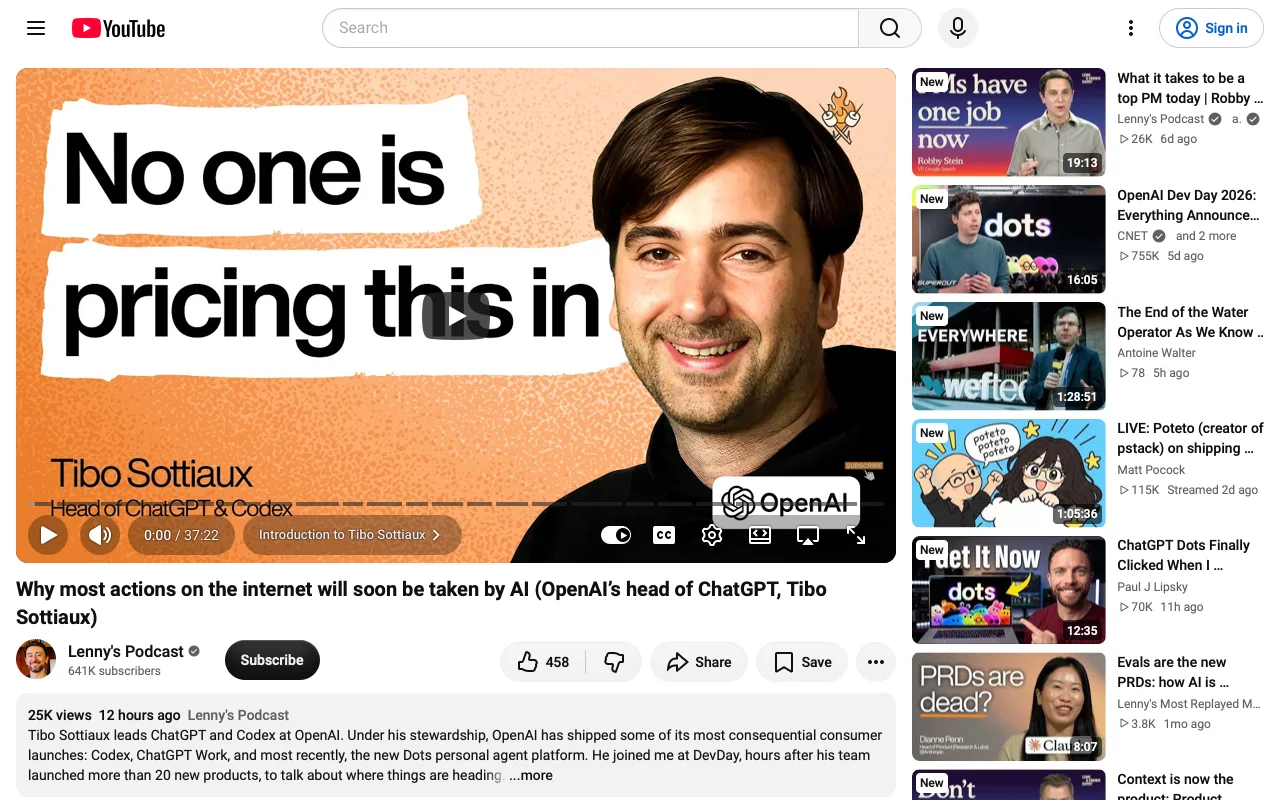
YouTube without AI and Premium nags
On YouTube, hide the AI extras: the Ask button under videos, its chat panel and the AI summary in the description. Also hide Premium upsells: paid quality choices such as 1080p Premium, the Premium entry in the menu, and Premium promo bars and banners. The player, likes, Share, Save, the description and comments stay.
YouTubeNot checked: needs sign-in: nothing to hide on the signed-out page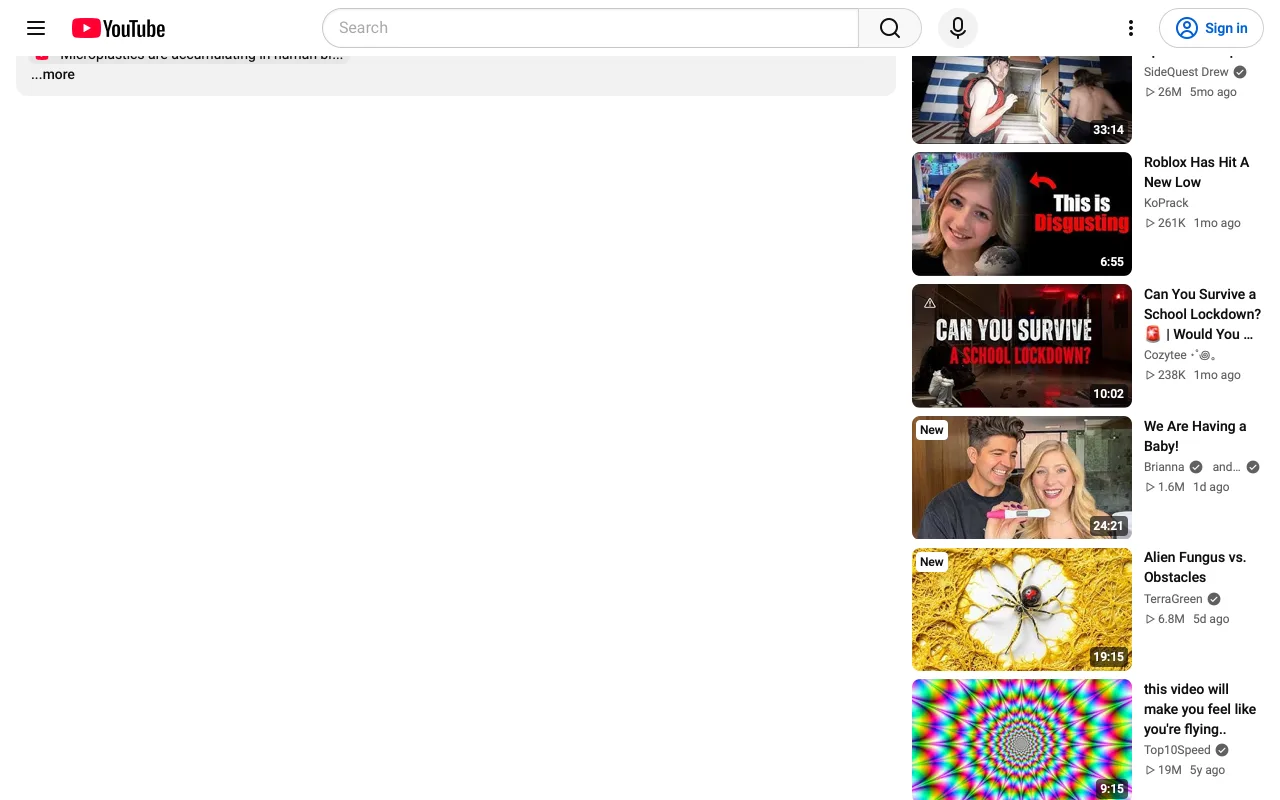
Hide video comments
Hide YouTube comments below videos.
YouTubeWorks today
YouTube home without recommendations
On YouTube, open to a calm home page: no grid of recommended videos, no Shorts shelves and no topic chips on Home. Search, the side menu, Subscriptions, my channels, history and playlists all stay, so I go to what I came for.
YouTubeNot checked: nothing to hide on the preview page today
Hide related videos
Hide related videos beside YouTube's player.
YouTubeWorks today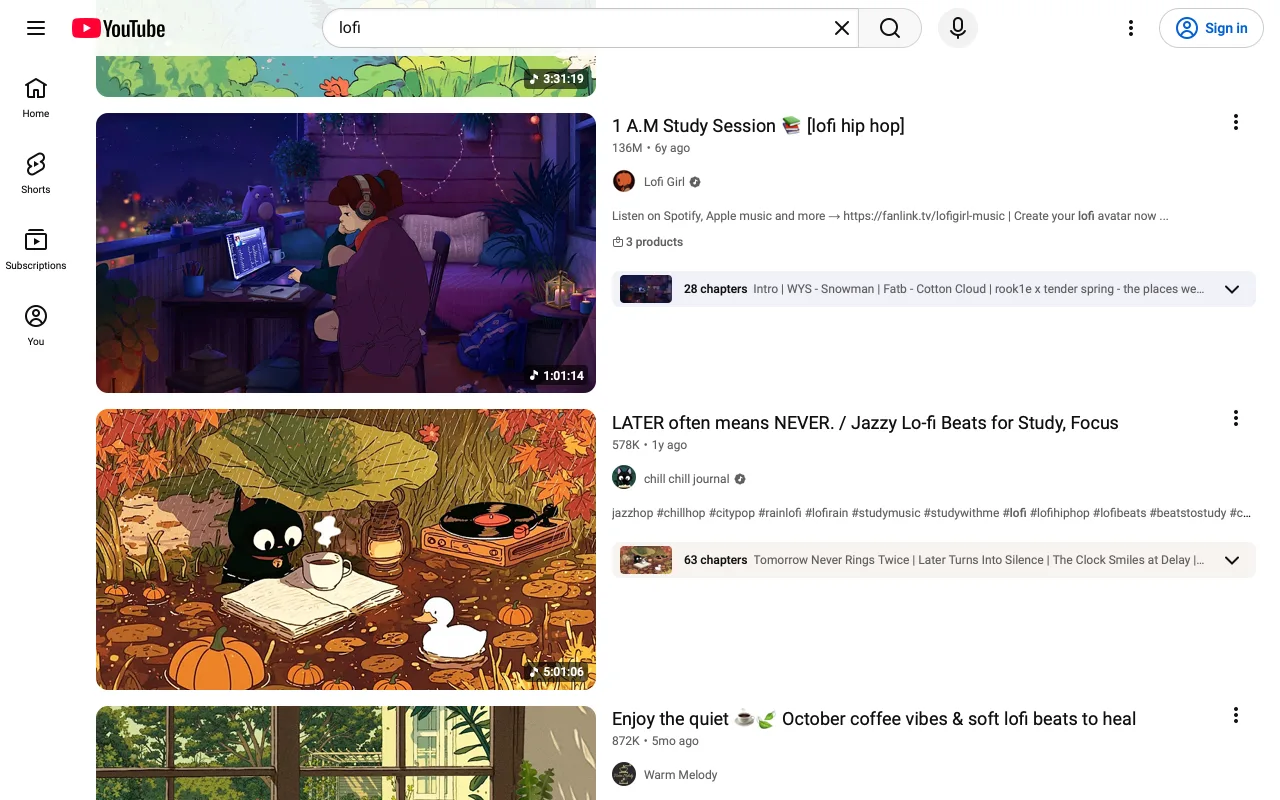
Plain search results
In YouTube search, show only the videos and channels I searched for: hide shelves like People also watched, For you, Latest from a channel, Shorts and ads.
YouTubeWorks today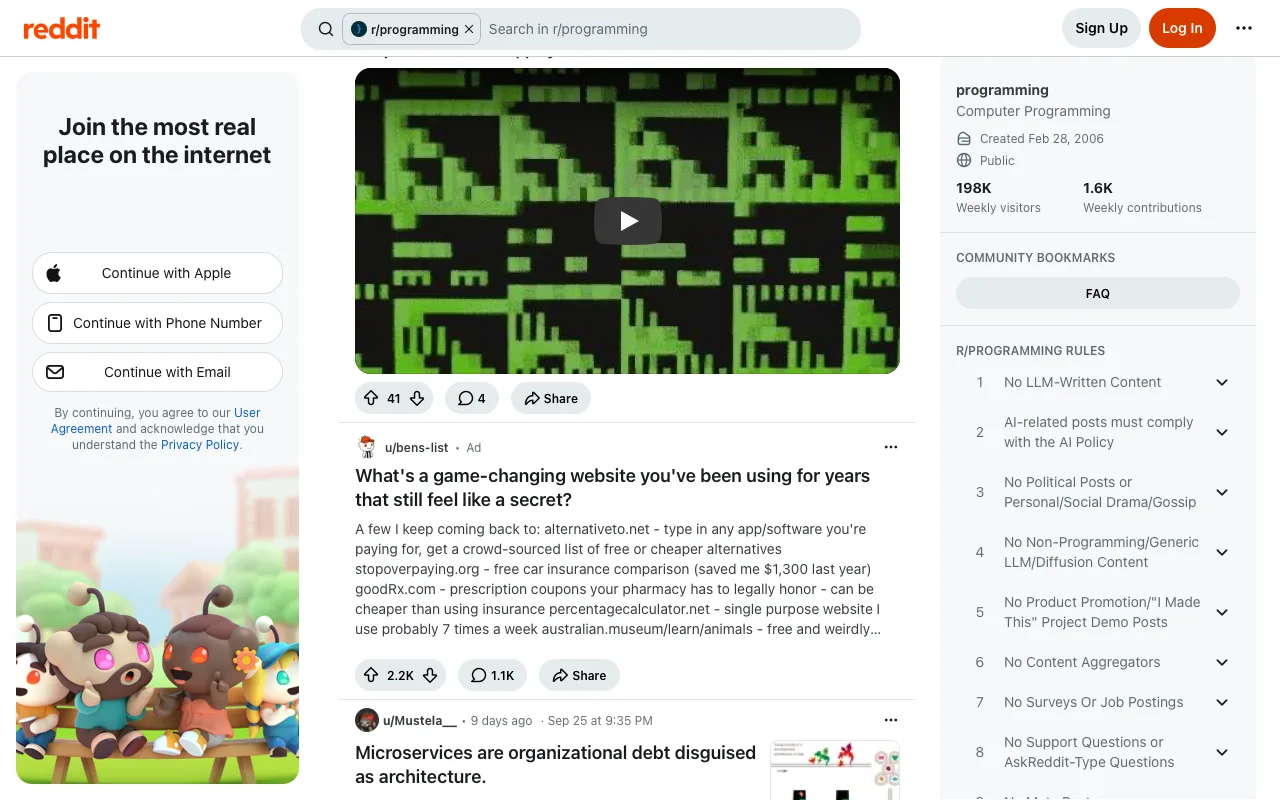
Real Dates
Show the actual date next to relative times like "3 weeks ago" on YouTube and Reddit.
YouTubeWorks todayAmazon Price Watch
Watch the Amazon products I add. When a price falls by 10% or more, or a product that was out of stock can be bought again, tell me in one short line per product with the new price and the link. Do not buy anything or add it to a cart.
AmazonNot checked: no page to check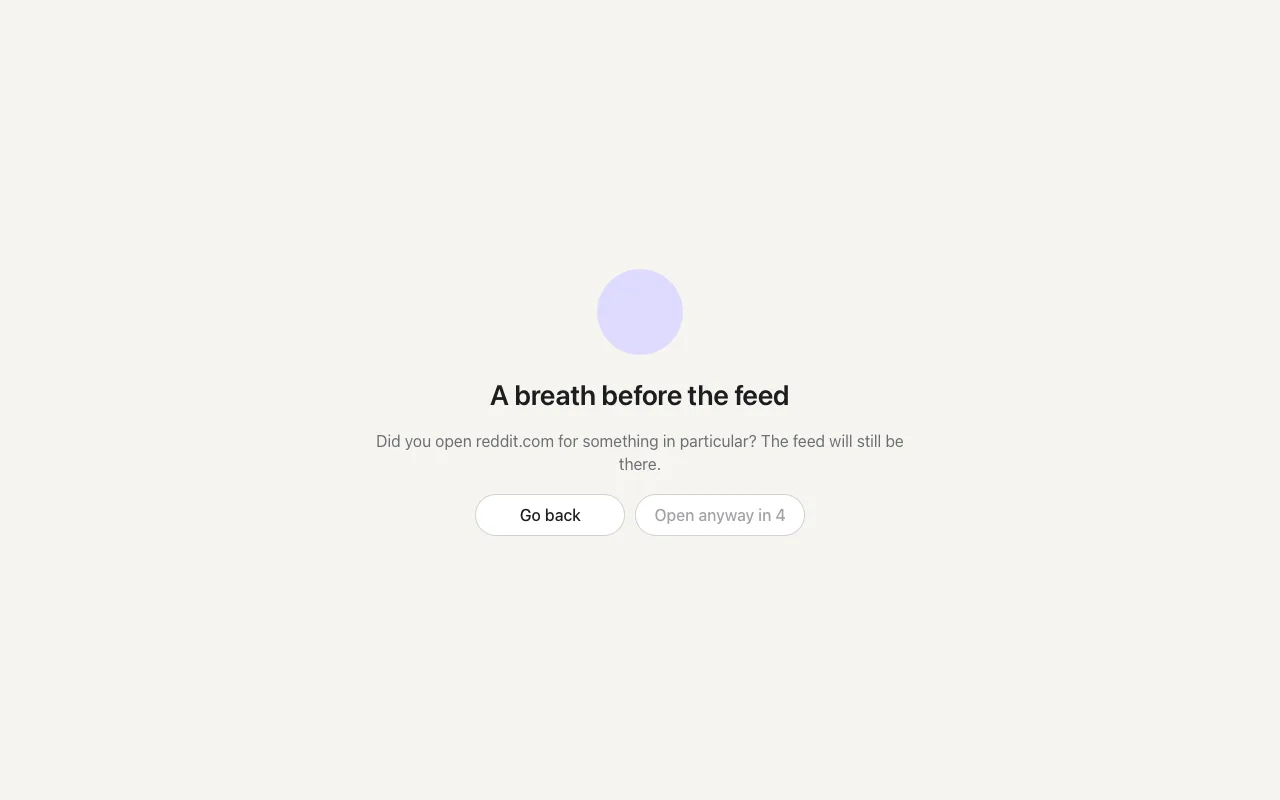
Feed Pause
Before X, YouTube or Reddit shows me its feed, show a calm pause screen for five seconds, then let me choose Open anyway. Do it at most once every 30 minutes on each site.
XWorks today
GitHub Release Watch
Watch the GitHub repositories I add. When one publishes a new release, tell me the version and what is new in two or three short lines, with the link to the release. Skip pre-releases unless I asked for them on that repository.
GitHub APINot checked: no page to checkGitHub Tools
Give my agent quick, read-only answers about public GitHub repositories: which pull requests wait for my review, whether a repository's main branch is green, and a prefilled new-issue link I can submit myself.
GitHub APINot checked: no page to check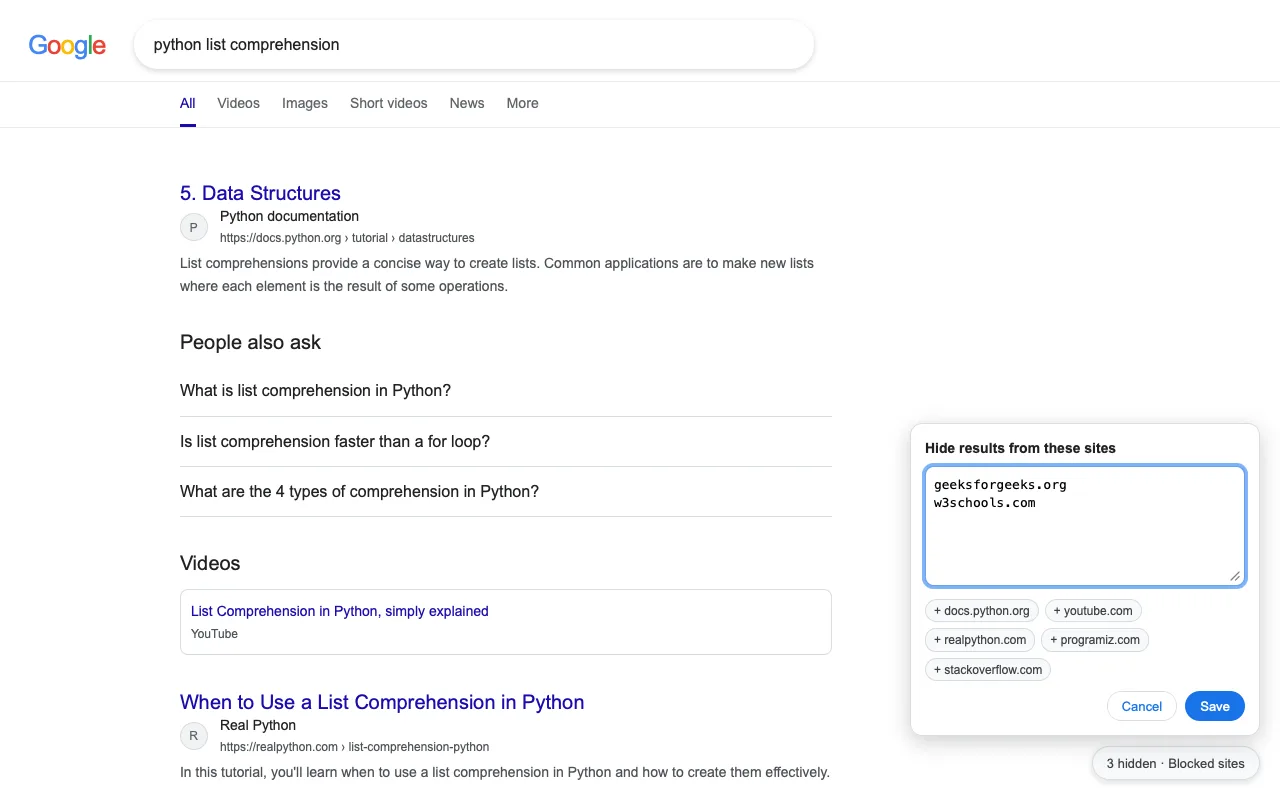
Blocked Sites
Hide Google search results from sites I don't want to see. Give me a small pill on the results page to add or remove sites, kept on this Mac.
GoogleNot checked: blocked; passes on a saved page
Hacker News Mentions
Watch Hacker News for new stories and comments that mention the words I set. When there are new ones, tell me who said what in one line each, with the link to the thread, and point out anything that looks like a question I could answer. Never post or vote.
HN SearchNot checked: no page to check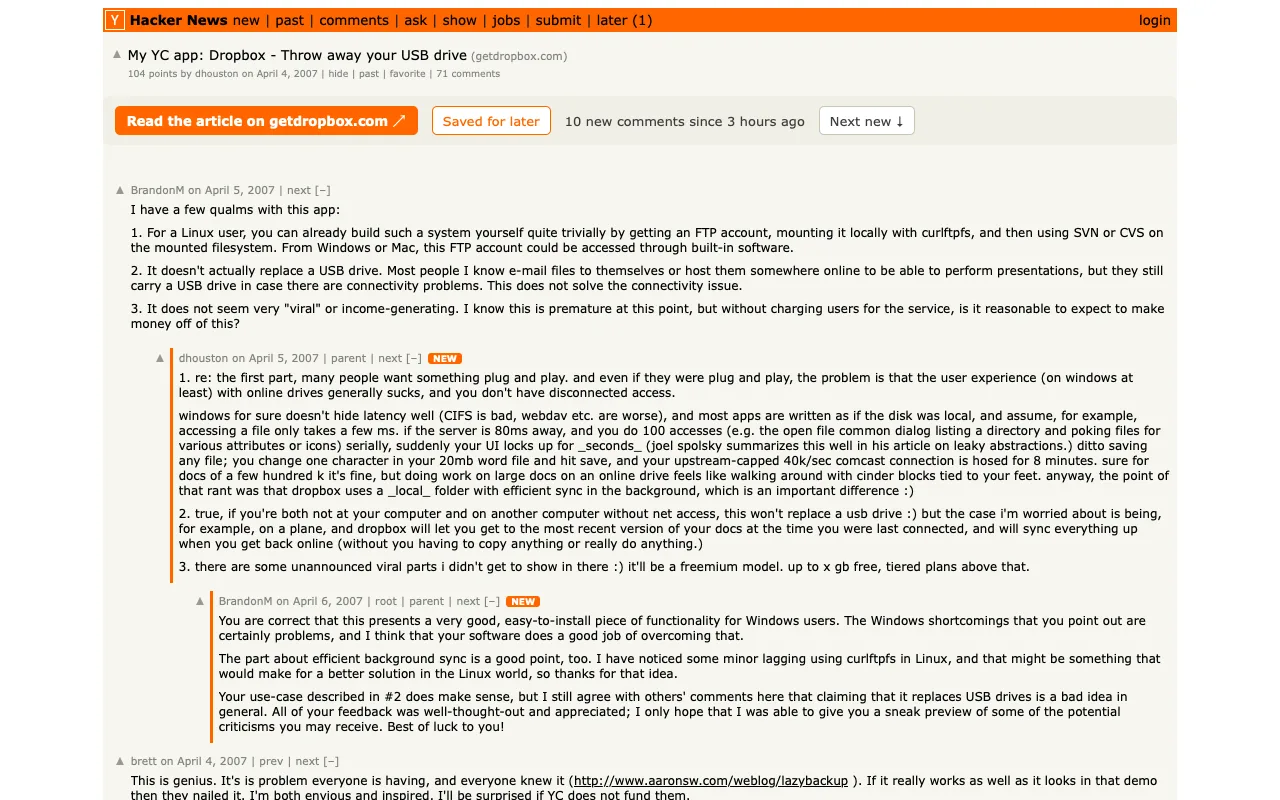
Article and Comments
On a Hacker News discussion, put the article right above the comments so I can open it beside them, let me save the story to read later, and mark the comments that are new since my last visit, with a way to jump from one new comment to the next. On the front page, show how many comments are new on stories I have opened.
Hacker NewsWorks today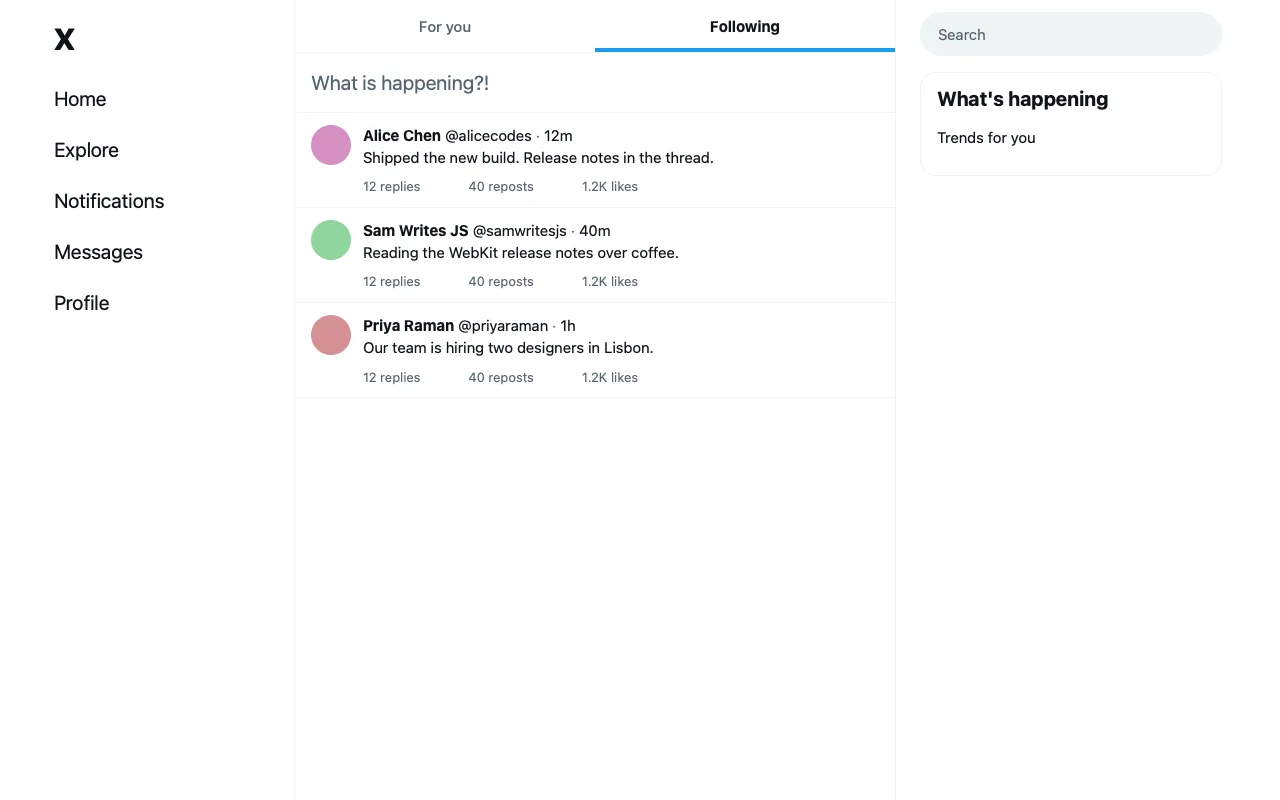
Following First
When I open X's home timeline, show the Following tab instead of For you. If I switch back to For you, leave it.
XNot checked: needs sign-in; passes on a saved page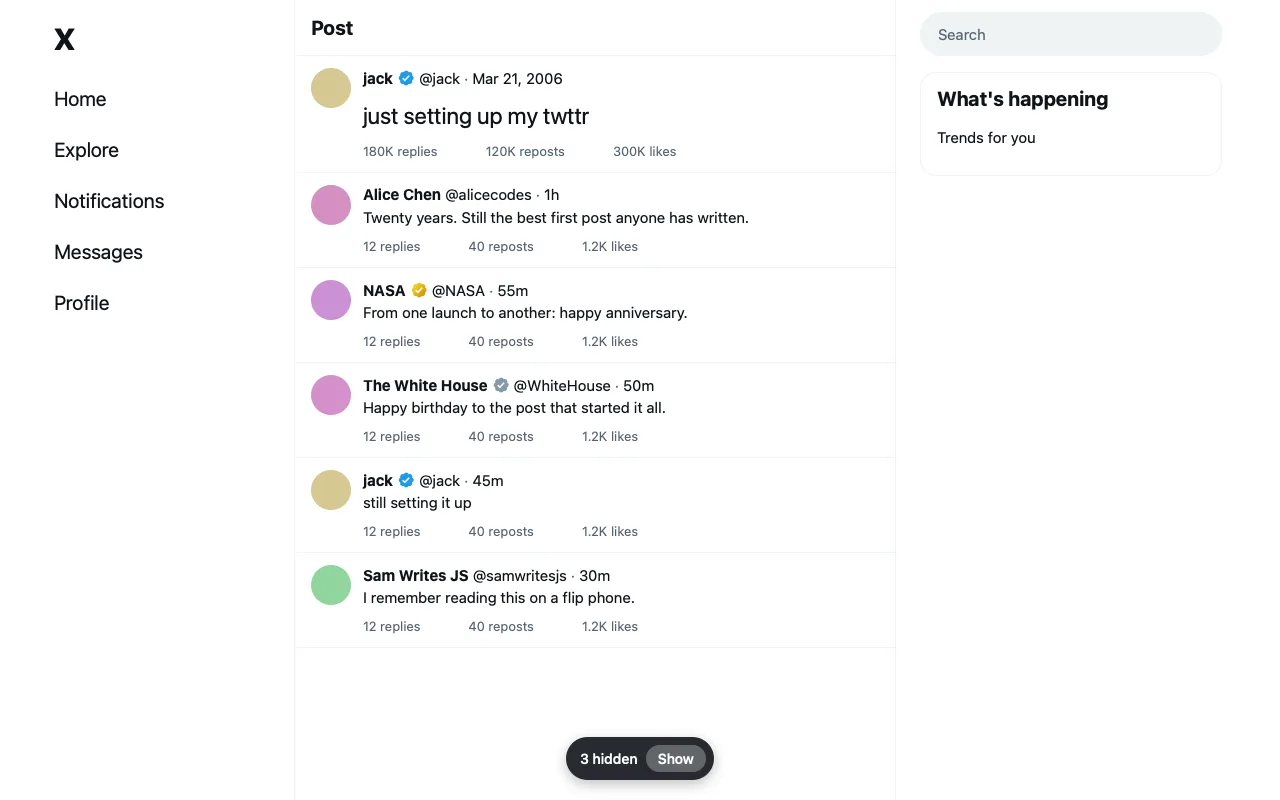
Quiet Replies
On X, under a post, fold the replies from paid blue-check accounts and from handles that end in five or more digits into one line that says how many are hidden, with Show to open them.
XNot checked: needs sign-in; passes on a saved page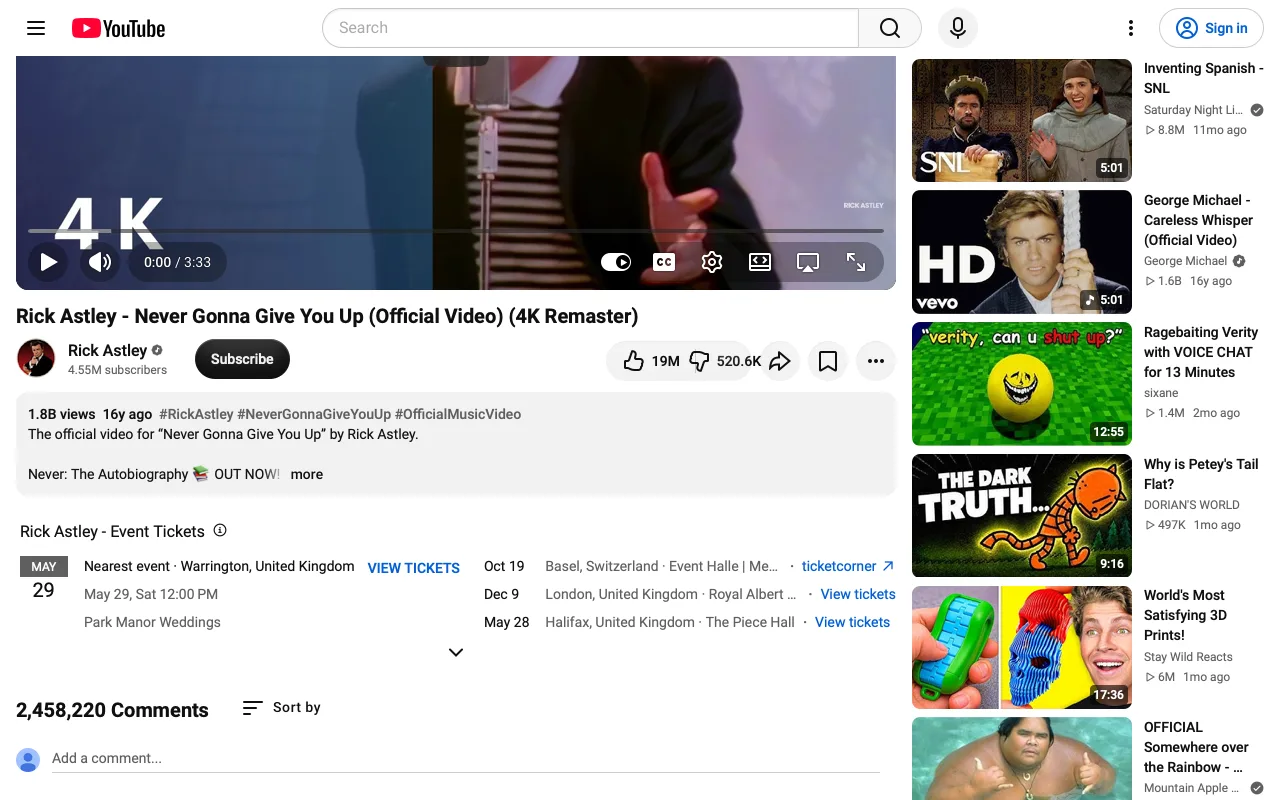
Dislike Counts
Show how many dislikes a YouTube video has, next to the dislike button, using Return YouTube Dislike's estimate.
YouTubeWorks today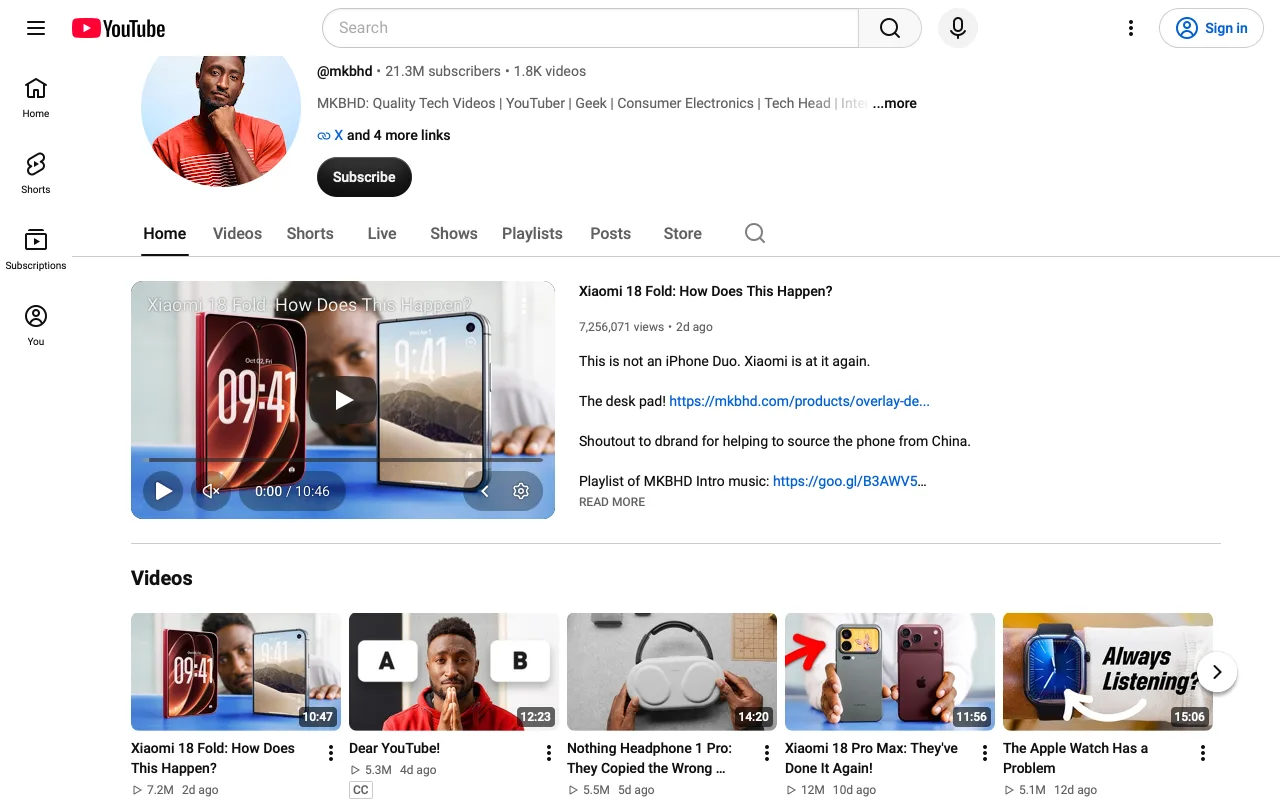
No Autoplay
On YouTube, play only what I start: don't play channel trailers on their own, don't play previews when I hover over a video, and don't go on to the next video when one ends.
YouTubeWorks today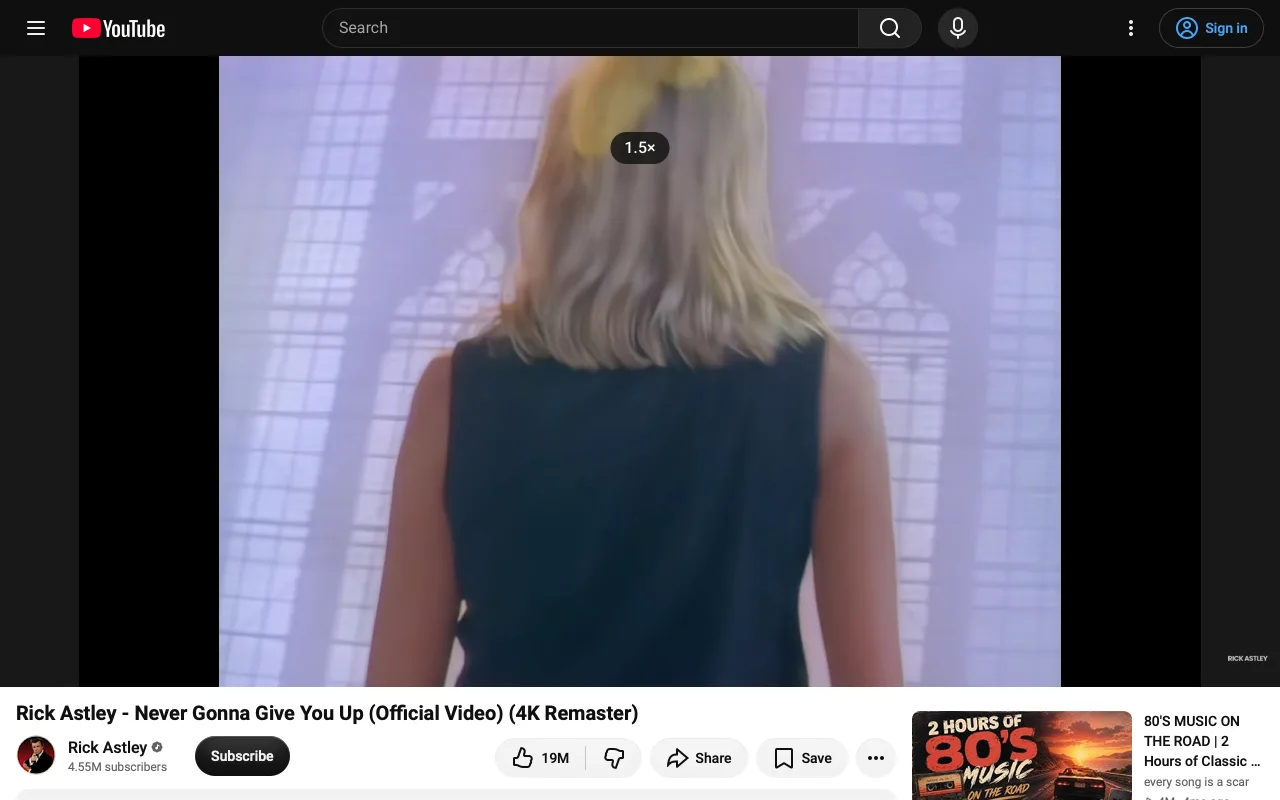
Player Defaults
On YouTube, remember the playback speed I last chose and use it for every video, with [ and ] to change it. Pick the highest quality, or the quality I last chose by hand. Always open videos in theater mode. When YouTube pauses and asks "Video paused. Continue watching?", answer yes for me.
YouTubeWorks today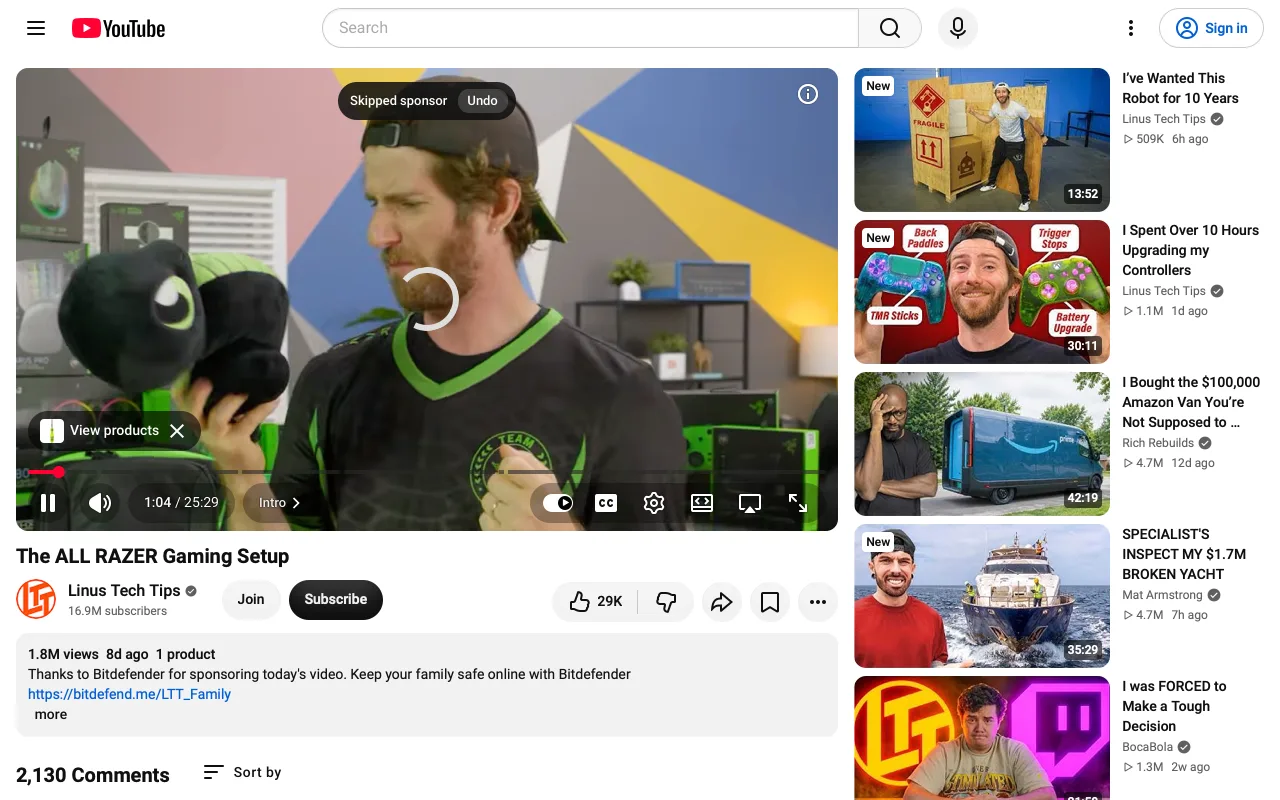
Skip Sponsors
Skip sponsor segments, intros, outros and self-promotion in YouTube videos, using SponsorBlock's public list, and say briefly what was skipped.
YouTubeWorks today